Welcome to Lizenzindustrie!

Subscribe to our free newsletter and get 10% off your next order (minimum order value €10). That way you won't miss any of our offers.

Please enter a valid email address.

  Personal advice: +971 50 485 8908

  Licence by email, no shipping costs

  Invoice with VAT shown

  14 days free exchange

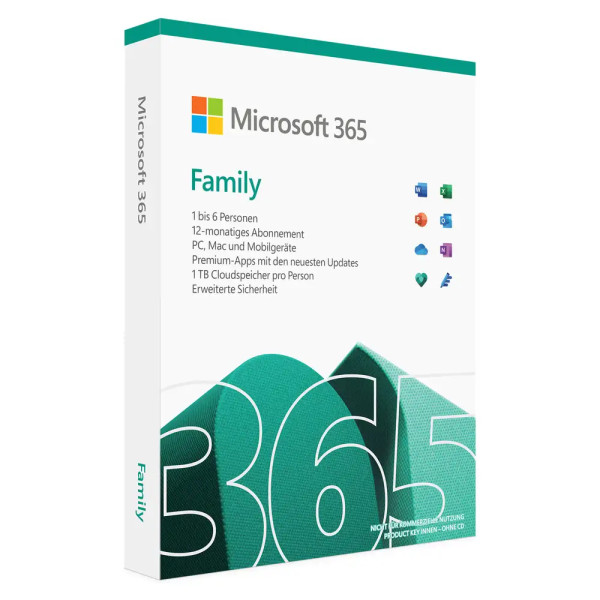
Microsoft Office 365 Family | PC/MAC/mobile devices

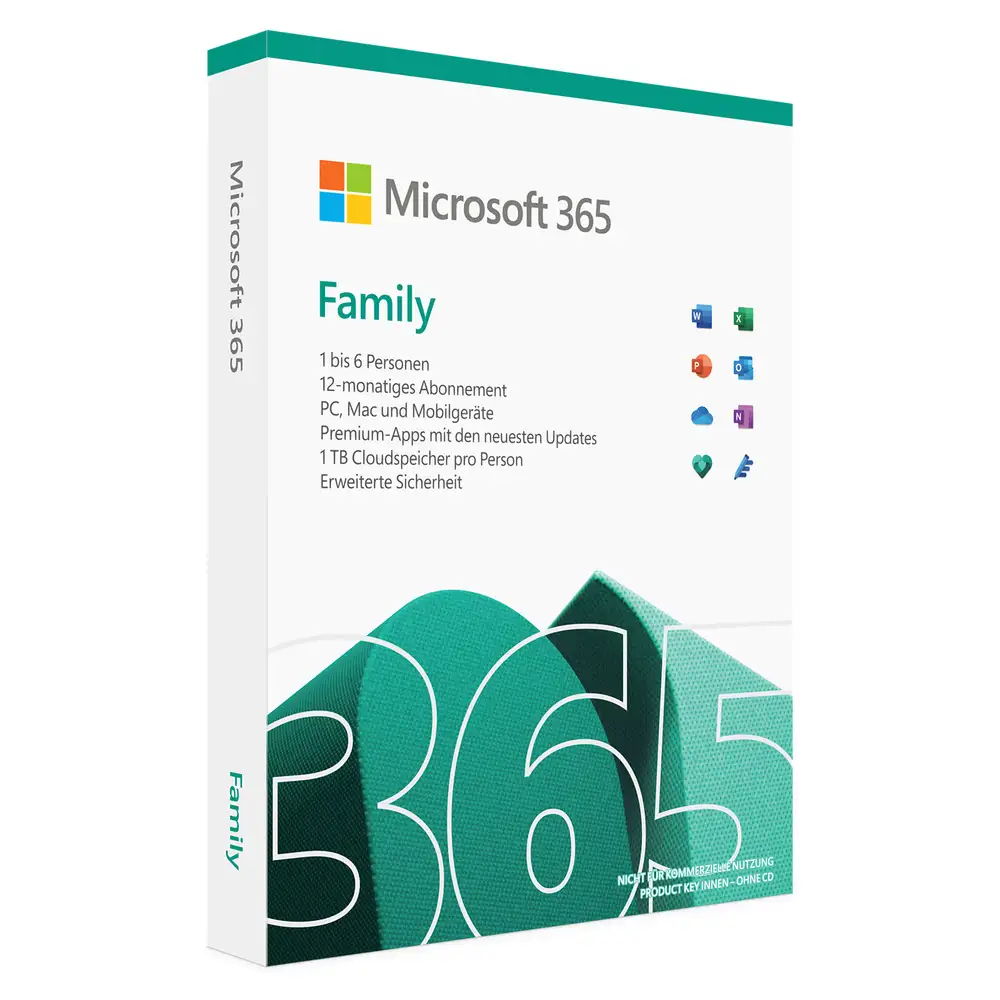
Microsoft Office 365 Family | PC/MAC/mobile devices

Personal advice

Not sure which version is right? We help private and business customers.


berater-bild

Our advice team


Phone Mon–Fri 9 am to 2 pm, email daily 9 am to 9 pm

€119.90 * €129.00 * (7.05% Saved)

Prices incl. VAT Free shipping

Instant download + product key

Laufzeit

  • LI-801221
  • 30 devices
  • 1 year
  • All languages
  • Worldwide
  • E-Mail
  • Microsoft
  • Kreditkarte Rechnung Apple Pay Google Pay

What's Included

  • Instant delivery – Key & download via email
  • Exchange possible as long as the key has not been redeemed
  • Guide to installation and activation
  • Invoice with VAT shown
Microsoft 365 Family – Office subscription for up to six people Microsoft 365 Family shares... more
Product information "Microsoft Office 365 Family | PC/MAC/mobile devices"

Microsoft 365 Family – Office subscription for up to six people

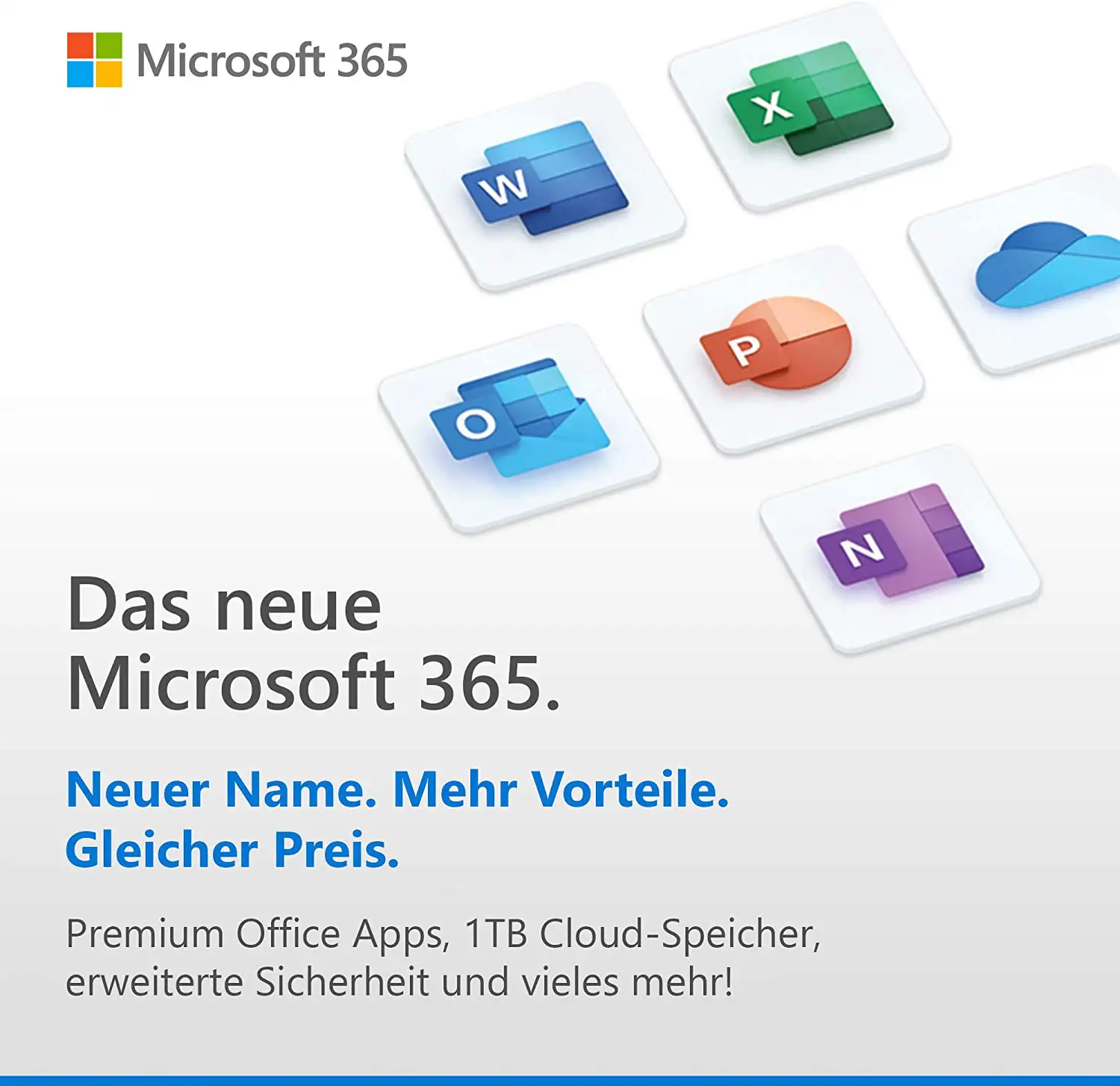
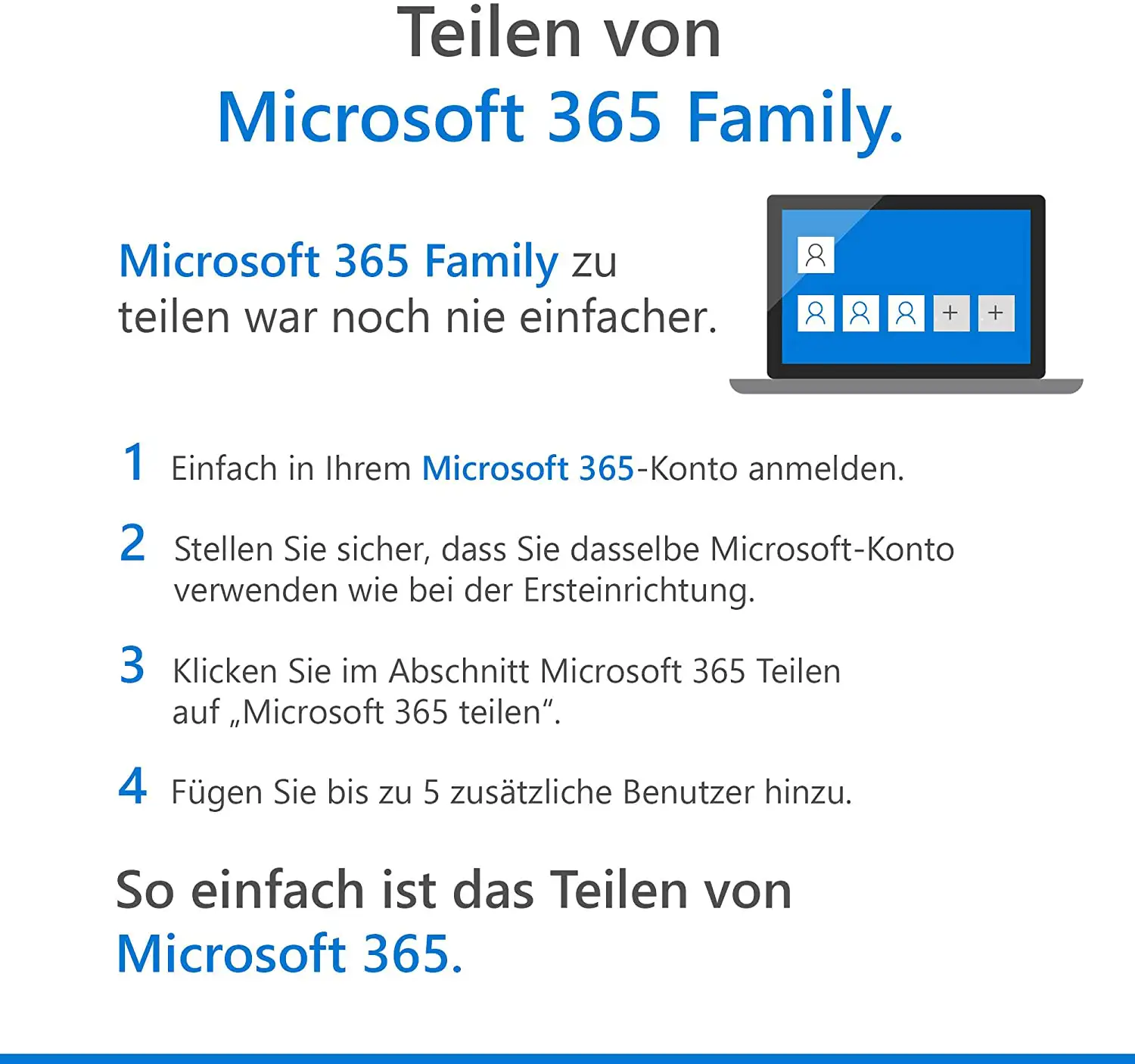
Microsoft 365 Family shares Office with up to six people: each person gets their own account, their own documents and 1 TB of OneDrive storage. Word, Excel, PowerPoint, Outlook and OneNote run on PC, Mac, tablet and smartphone, always in the latest version.

You choose a term of 1, 2 or 3 years here. The subscription is redeemed with the product key in the Microsoft account of the main user, who then invites the other family members.

What’s included

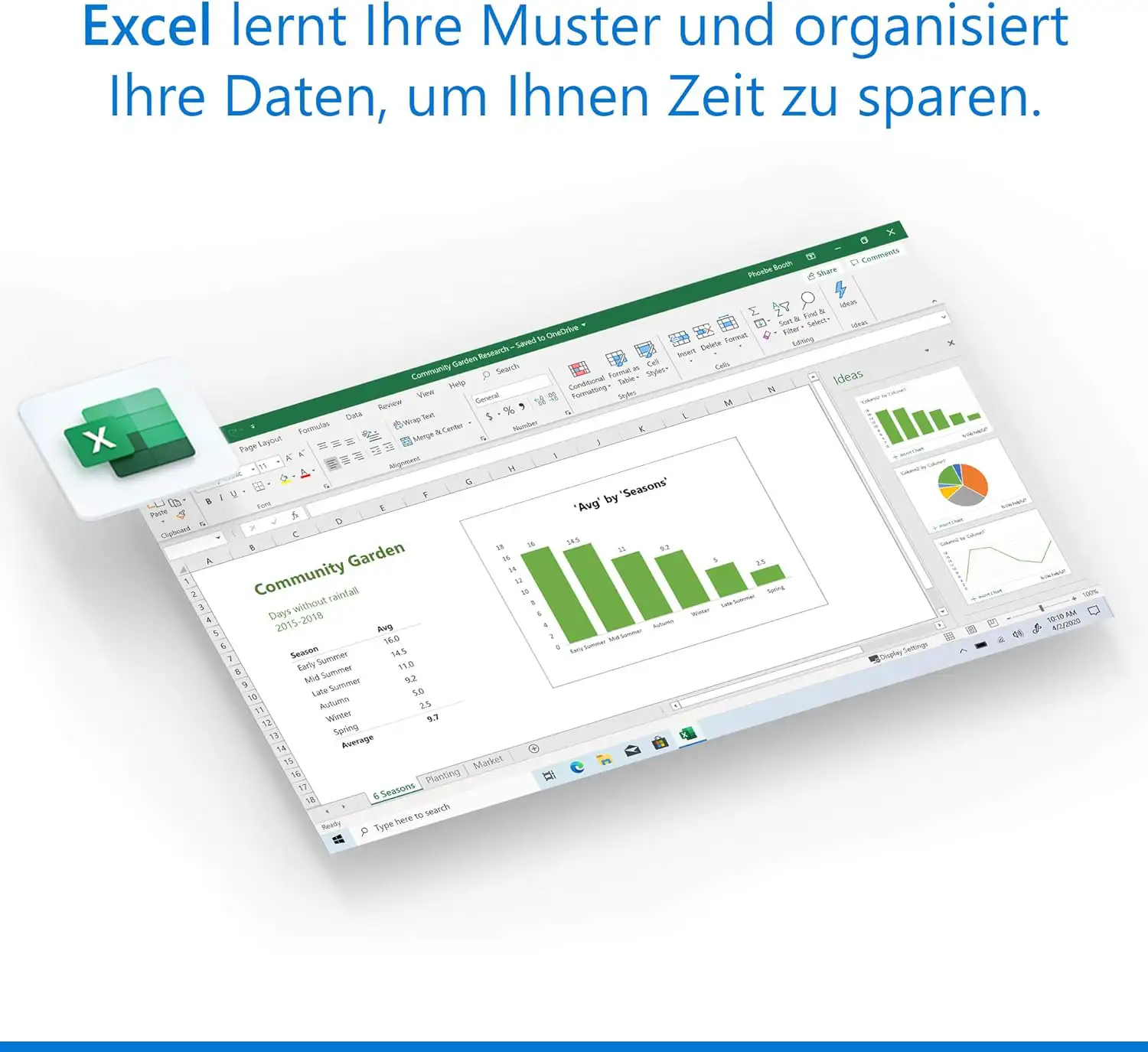
  • Word, Excel, PowerPoint – always in the latest version
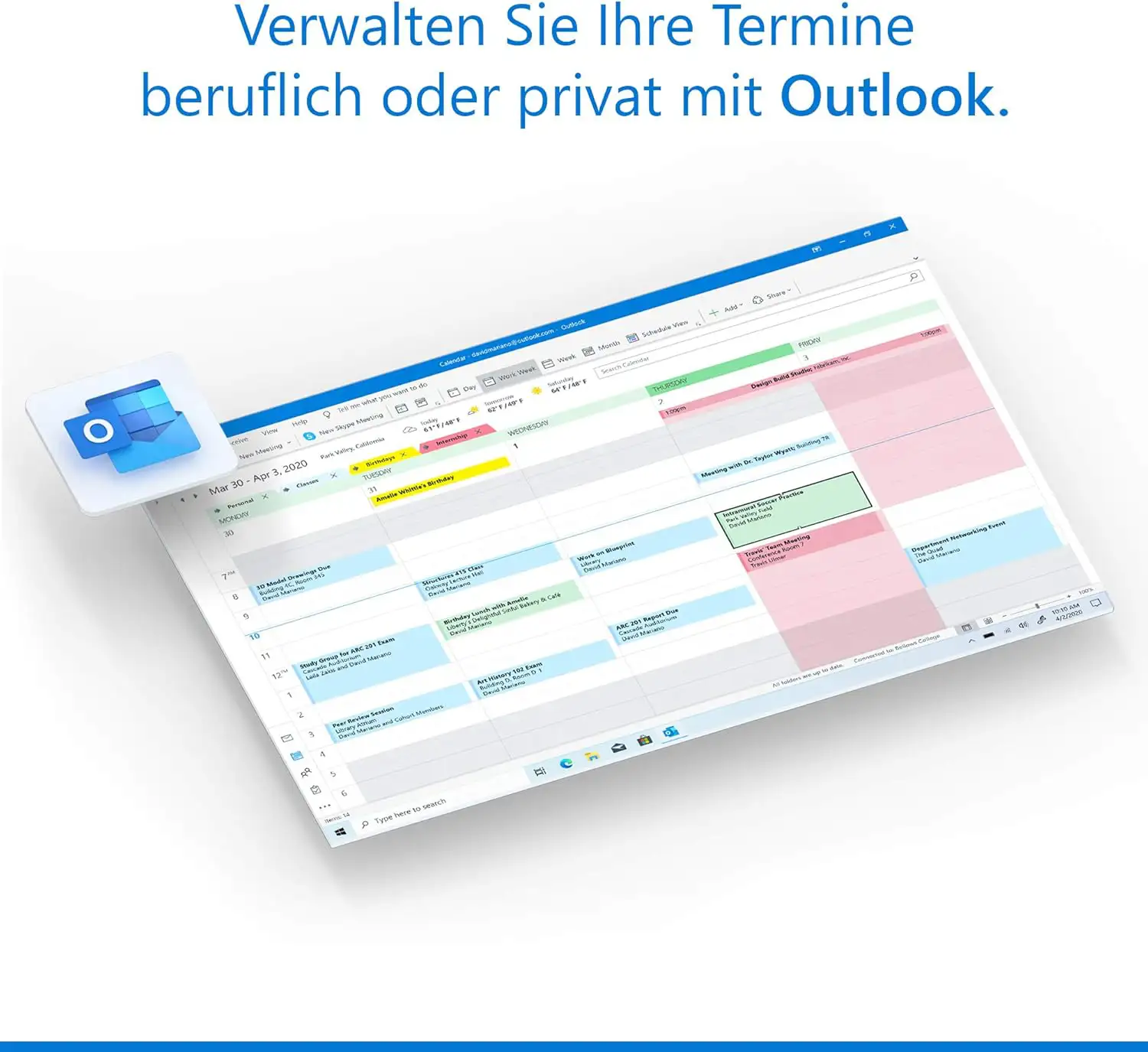
  • Outlook for email, calendar and contacts
  • OneNote for notes
  • Access (Windows only) for databases
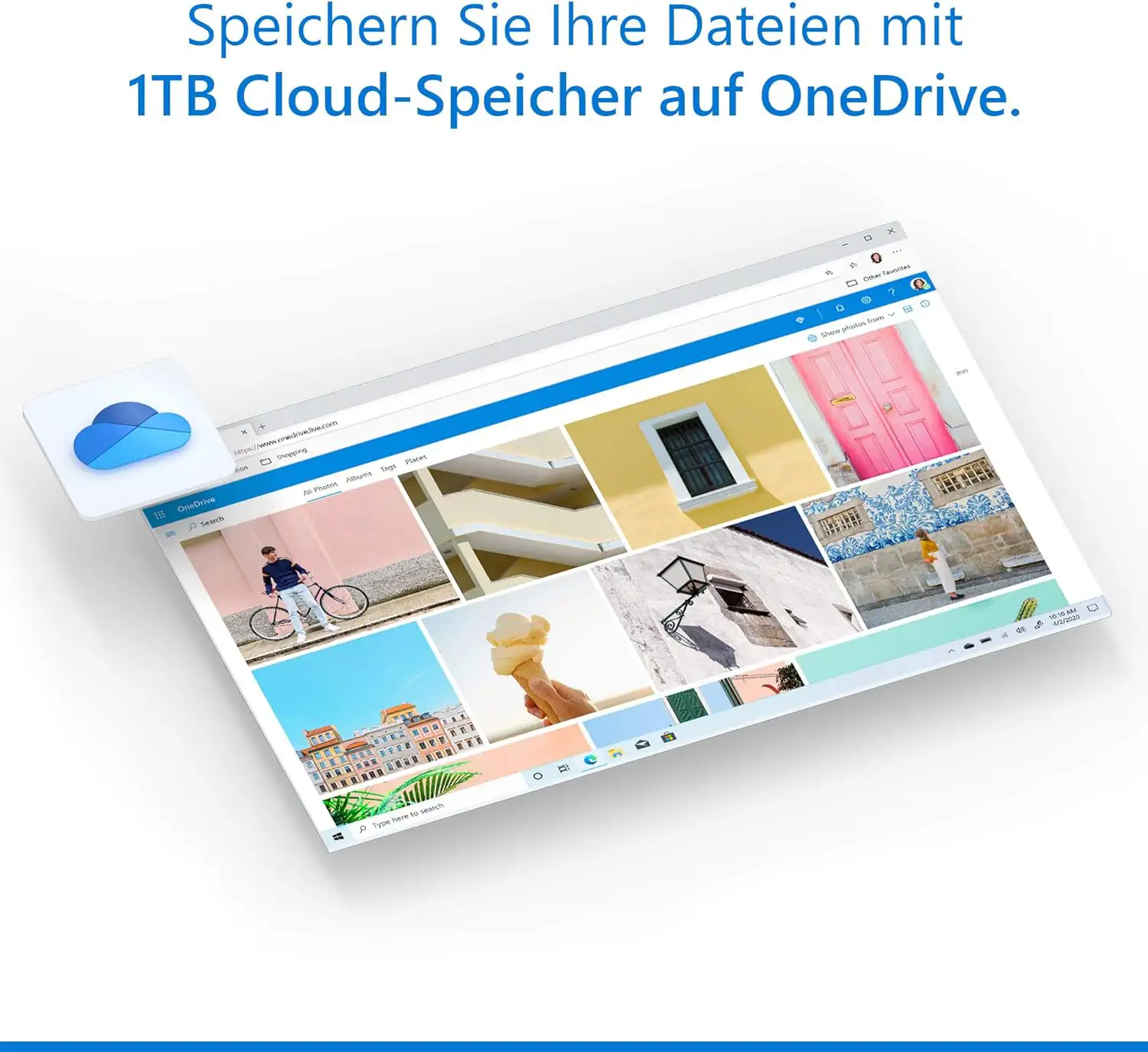
  • 1 TB of OneDrive cloud storage per person – up to 6 TB in total
  • Microsoft Defender for online security, Clipchamp for videos

Who is Microsoft 365 Family for?

  • families with several computers and smartphones
  • shared flats
  • couples who want to keep separate accounts
  • parents who provide Office to their children for school

How to share the subscription

After redeeming, you invite up to five other people by email in your Microsoft account under “Sharing”. Each person signs in with their own account, installs Office on their devices and gets their own storage. Nobody sees the others’ files unless they are explicitly shared.

Term and renewal

The chosen term begins when you redeem the key. In your Microsoft account you can see at any time when your subscription ends. Shortly before it expires, Microsoft reminds you by email. If you want to continue, simply redeem a new key – the new term is added to the existing one, and all files in OneDrive are kept. If the subscription expires, you can still open and read your documents; editing requires an active subscription again.

Microsoft 365 or Office as a perpetual licence?

Microsoft 365 is a subscription: you always get the latest version of Word, Excel and co., plus cloud storage and features that are continuously developed. A perpetual licence such as Office Home 2024 or Office 2024 Home & Business is paid for once; however, it stays at the feature level of its version and does not include cloud storage.

The subscription is particularly worthwhile if you use several devices, store a lot in the cloud or edit files together with others.

Editions compared

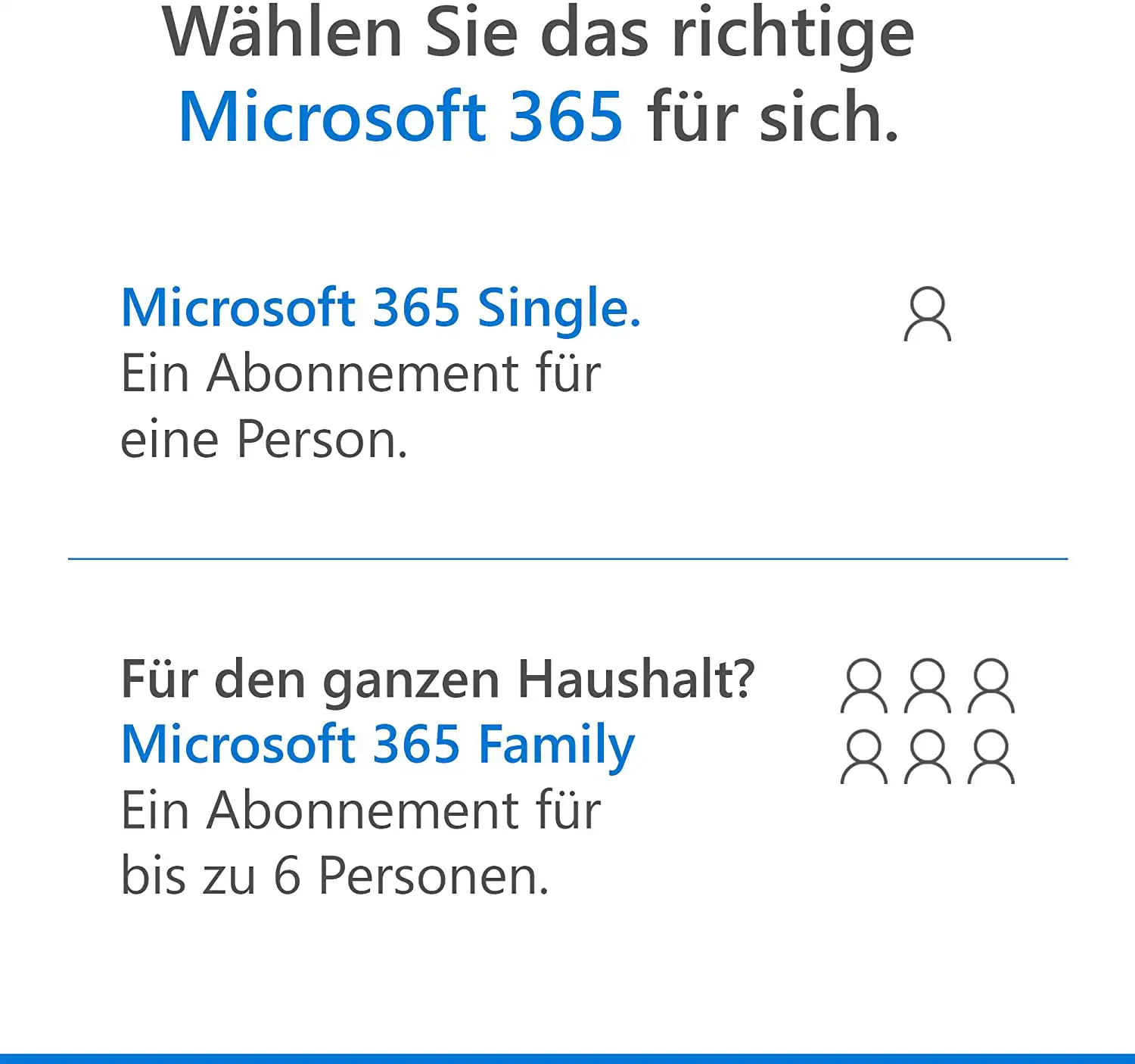
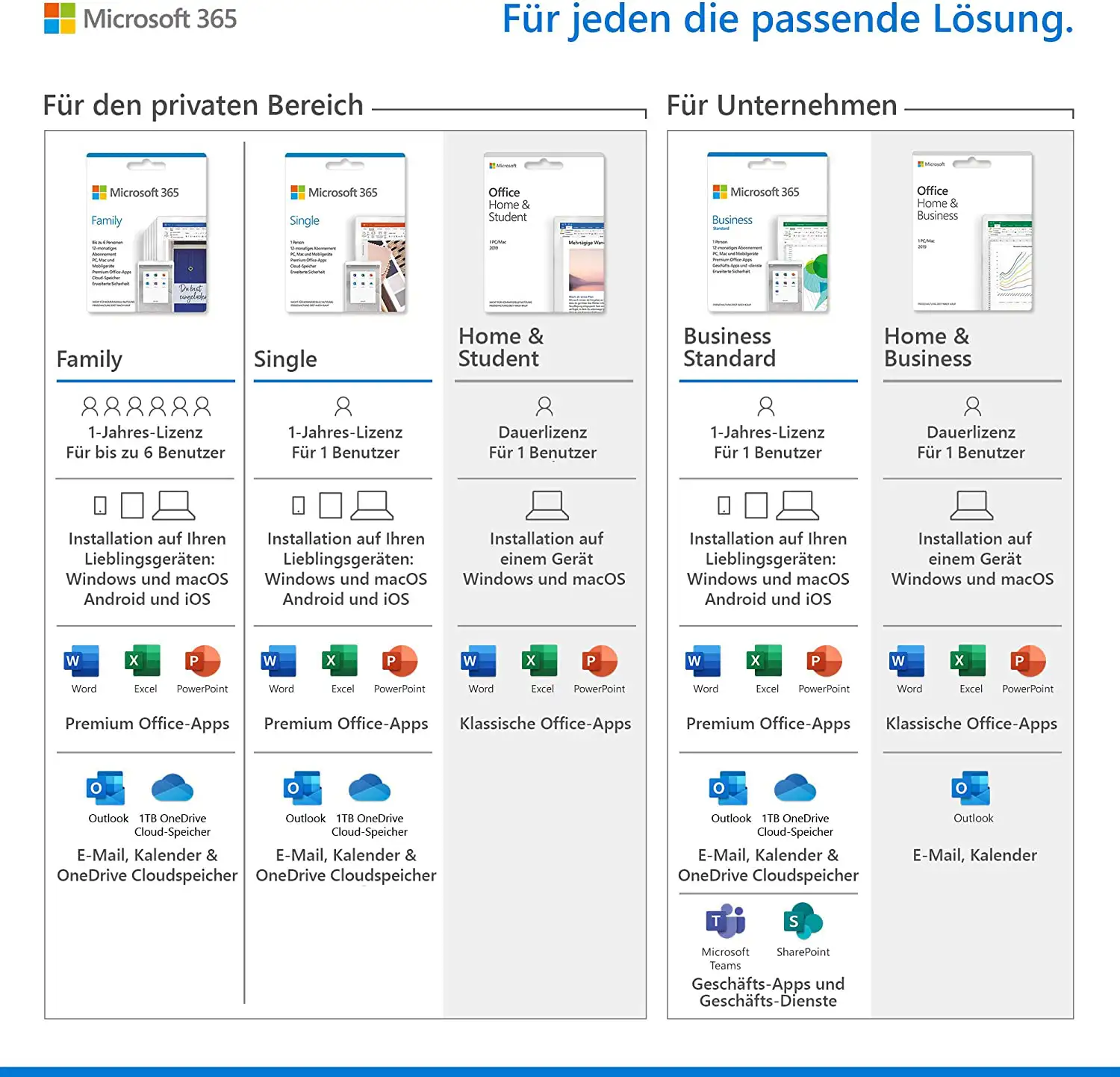
Family (this item)up to 6 people, 1 TB each
Microsoft 365 Single1 person, 1 TB
Microsoft 365 Business Standardfor businesses, with email mailbox and Teams

You will find all subscriptions in the category Microsoft 365.

System requirements

  • Windows: Windows 11 or Windows 10
  • Mac: one of the three most recent macOS versions
  • Tablet and smartphone: current versions of iOS, iPadOS and Android
  • Memory: 4 GB RAM on PC and Mac
  • Hard disk: 4 GB (Windows) or 10 GB (Mac) of free space
  • Account: free Microsoft account
  • Internet: required for installation, activation and regular licence checks

Redeeming and installing

  1. Go to setup.office.com and sign in with your Microsoft account (or create one free of charge).
  2. Enter the product key from our email. The subscription is credited to your account – an existing subscription is extended.
  3. Download and install the Office apps in your Microsoft account under “Services & subscriptions”.
  4. On tablets and smartphones, download the apps from the App Store or Google Play and sign in with the same account.

Frequently asked questions

How many people can use the subscription?

Up to six people, each with their own account and their own storage.

Which term can I choose?

On this page you choose 1, 2 or 3 years. The entire term is credited to your Microsoft account when you redeem the key.

Can I extend my existing subscription?

Yes. Redeem the key with the account in which your subscription is running; the new term is added to the existing one.

Does the subscription renew automatically?

No. A subscription redeemed with a key expires at the end of its term unless you activate a renewal with Microsoft yourself.

Do I need a Microsoft account?

Yes. Microsoft 365 is always managed via a Microsoft account; the account is free.

Delivery, invoice and support

  • Delivery by e-mail: you will usually receive the product key and instructions for redeeming it with Microsoft within 5 to 30 minutes of payment (daily 09:00–21:00 CET). More under Shipping & payment.
  • Invoice: every order comes with a proper invoice, with your company address on request.
  • Origin of the licence: we source our licences from distributors and wholesalers in Europe. We explain exactly how this works on the page Buying legal software.
  • Support: if you have questions about installation or activation, we help by e-mail (Mon–Sun 09:00–21:00 CET), phone (Mon–Fri 09:00–14:00 CET), live chat or remote support with TeamViewer.

Our goodwill promise

If the subscription you ordered is ever no longer available, we will supply the next higher edition with the same term and number of devices at no extra charge. You never pay more than the price at which you ordered.

Related links to "Microsoft Office 365 Family | PC/MAC/mobile devices"
AVG TuneUp 2027 | Windows / Mac AVG TuneUp 2027 | Windows / Mac
From €11.90 * €22.90 *
G Data Antivirus 2027 G Data Antivirus 2027
From €17.90 * €29.90 *
G Data Internet Security 2027 G Data Internet Security 2027
From €15.90 * €32.90 *
G Data Total Security 2027 G Data Total Security 2027
From €19.90 * €34.90 *
McAfee Total Protection & VPN 2027 McAfee Total Protection & VPN 2027
From €19.90 * €24.90 *
F-Secure Internet Security 2027 F-Secure Internet Security 2027
From €29.90 * €29.95 *
F-Secure Safe 2027 F-Secure Safe 2027
From €21.90 * €29.90 *




