Welcome to Lizenzindustrie!

Subscribe to our free newsletter and get 10% off your next order (minimum order value €10). That way you won't miss any of our offers.

Please enter a valid email address.

  Personal advice: +971 50 485 8908

  Licence by email, no shipping costs

  Invoice with VAT shown

  14 days free exchange

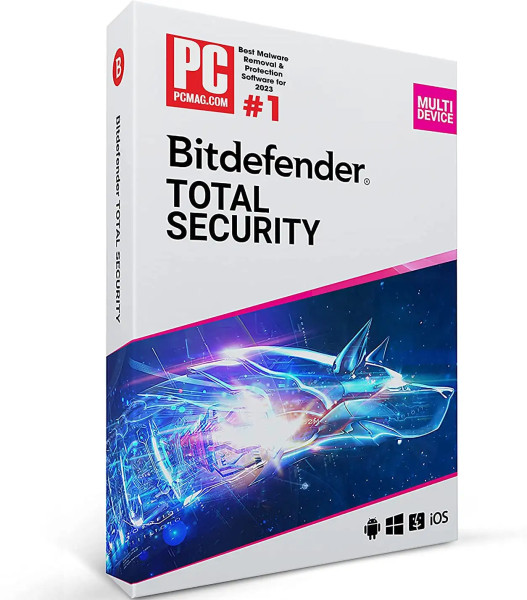
Bitdefender Total Security 2027

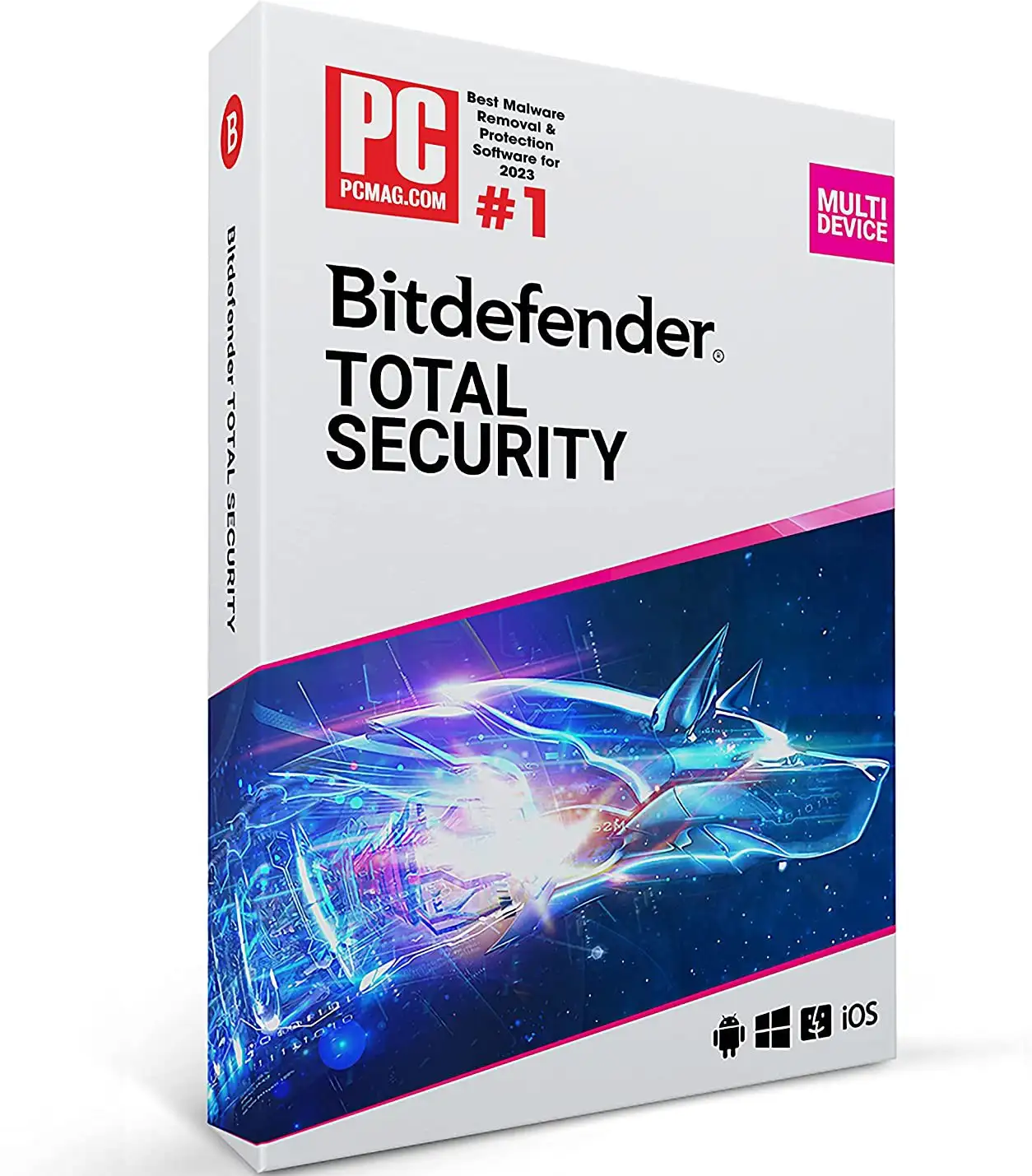
Bitdefender Total Security 2027
Personal advice

Not sure which version is right? We help private and business customers.


berater-bild

Our advice team


Phone Mon–Fri 9 am to 2 pm, email daily 9 am to 9 pm

€39.90 * €49.90 * (20.04% Saved)

Prices incl. VAT Free shipping

Instant download + product key

Geräte

Laufzeit

  • LI-801013
  • 1 device
  • 1 year
  • All languages
  • Worldwide
  • E-Mail
  • Bitdefender
  • Kreditkarte Rechnung Apple Pay Google Pay

What's Included

  • Instant delivery – Key & download via email
  • Exchange possible as long as the key has not been redeemed
  • Guide to installation and activation
  • Invoice with VAT shown
Bitdefender Total Security 2027 Total Security is the all-round package from Bitdefender: one... more
Product information "Bitdefender Total Security 2027"

Bitdefender Total Security 2027

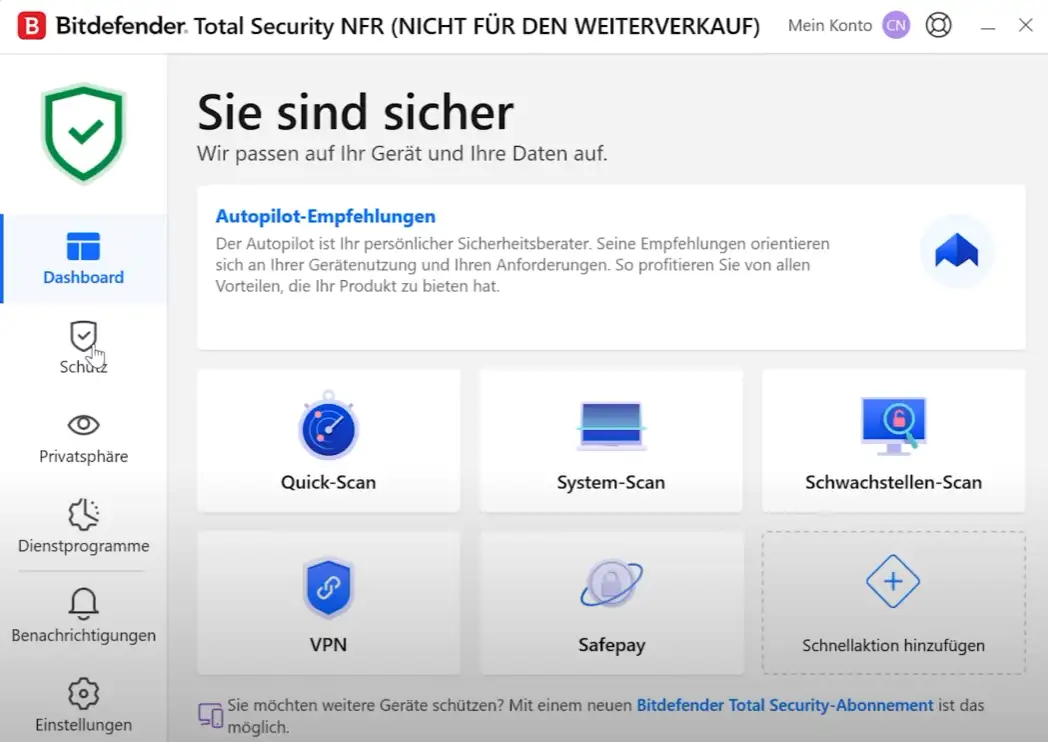
Total Security is the all-round package from Bitdefender: one subscription for PCs, Macs, smartphones and tablets – managed in a single account. You install the program, sign in once, and protection then runs quietly in the background.

You choose the term (1 year, 2 years, 3 years) and the number of devices (1 device, 3 devices, 5 devices, 10 devices) directly on this page. The term starts on activation, not on the date of purchase, and then ends automatically – there is no subscription to cancel. Supported platforms are Windows, macOS, Android and iOS.

What’s included in Bitdefender Total Security 2027

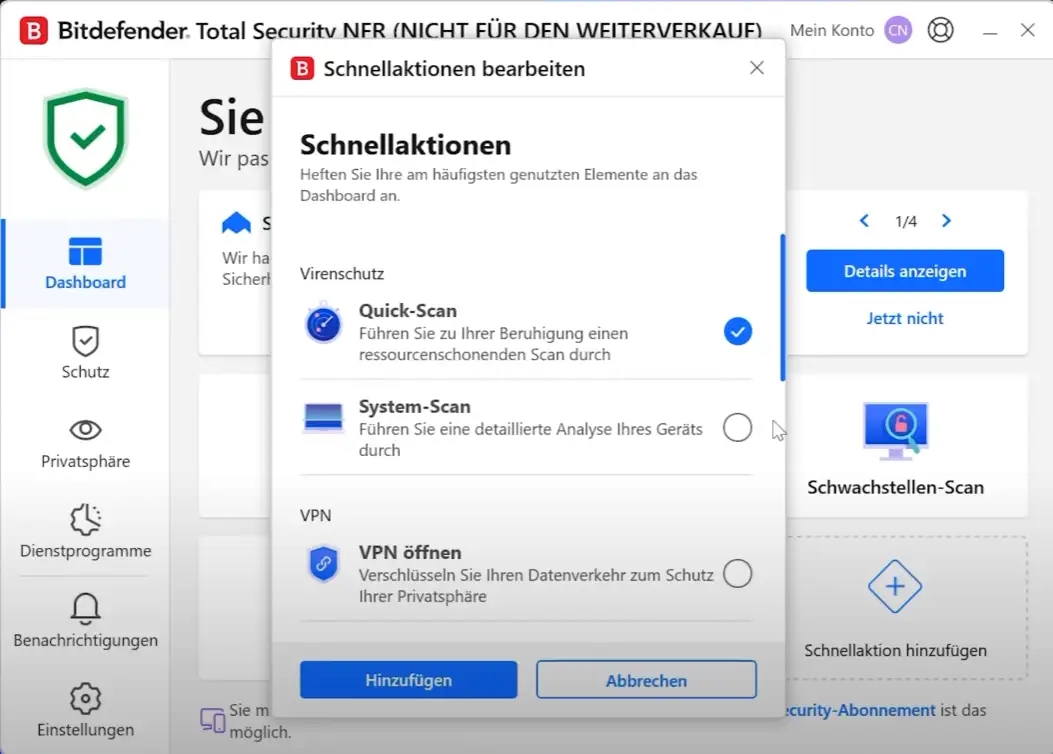
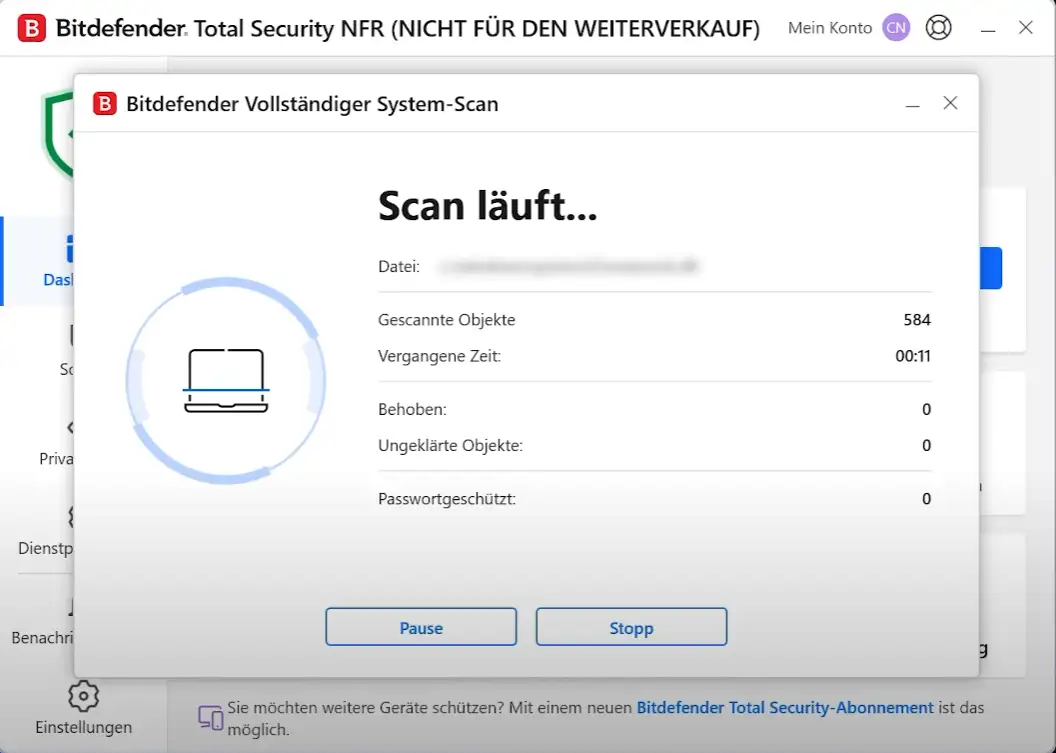
  • Antivirus and ransomware protection for Windows and macOS
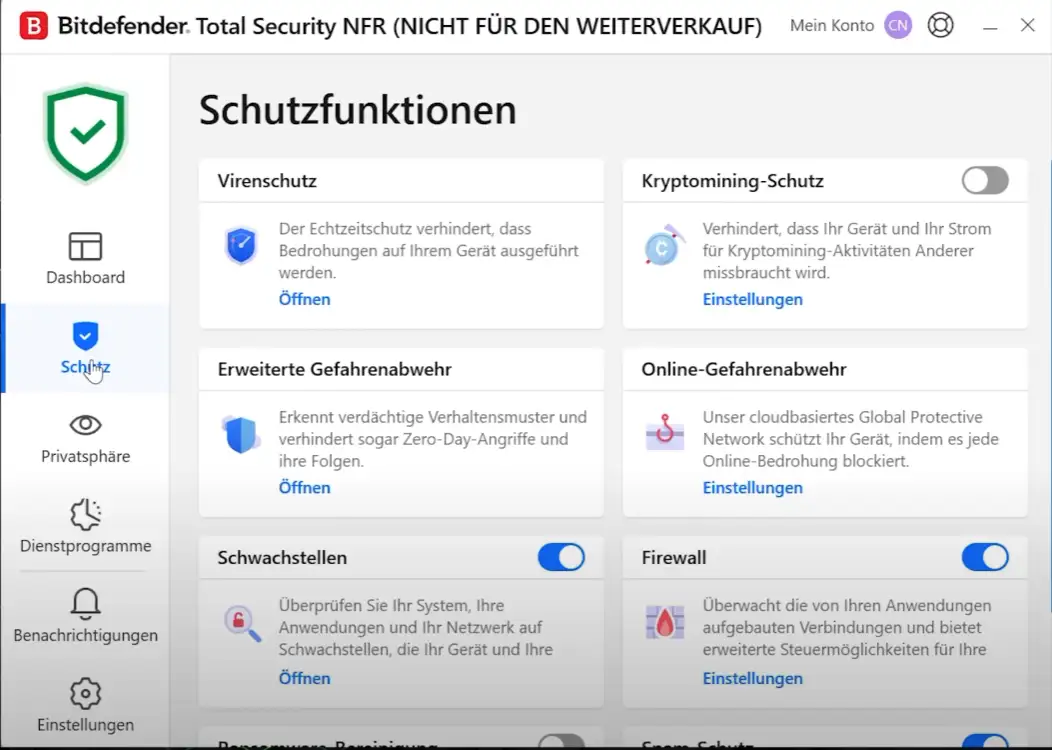
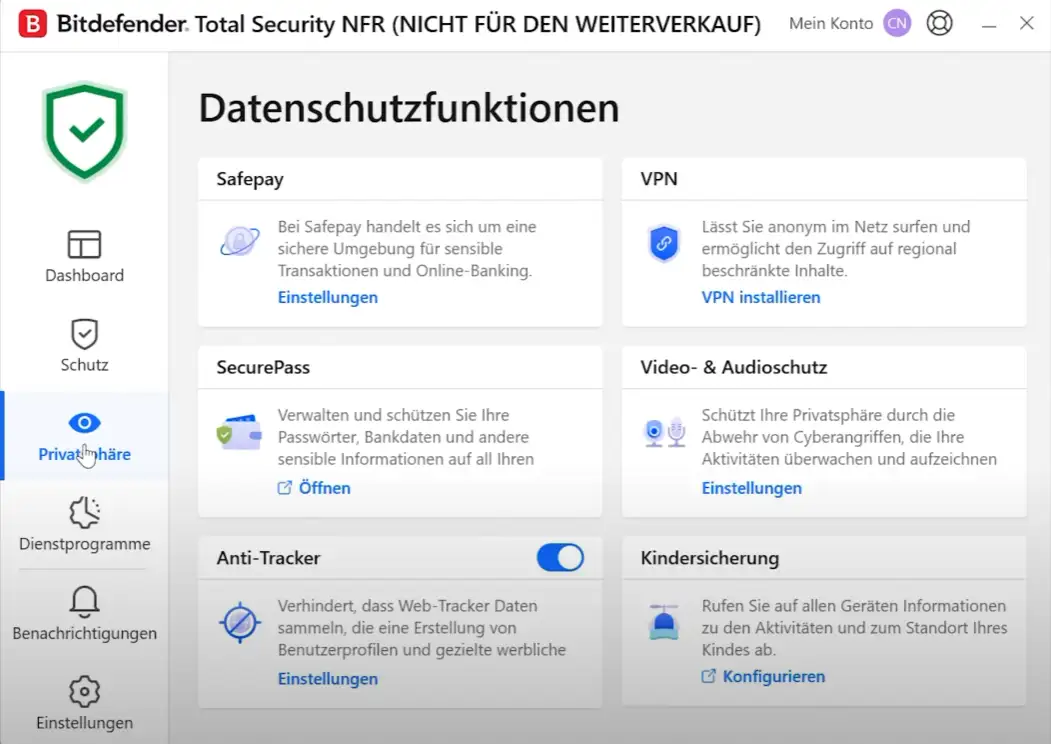
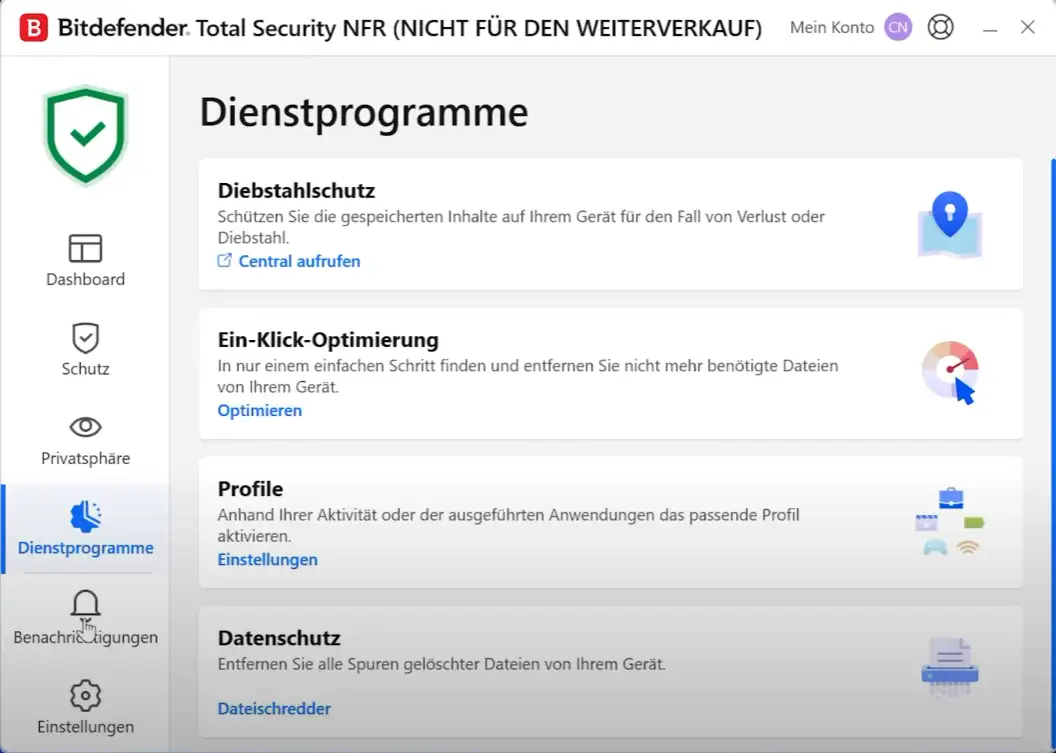
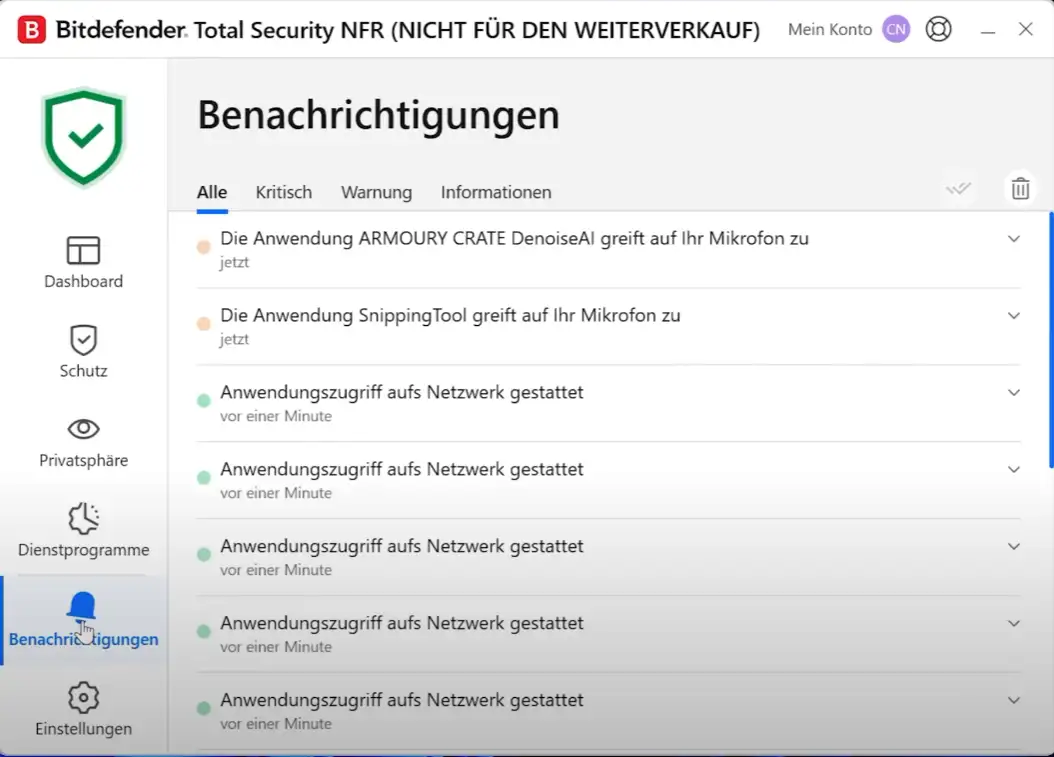
  • Firewall, parental controls, webcam and microphone protection
  • Anti-theft protection for Android devices: locate, lock, wipe
  • Optimisation tools that clean up and speed up your PC
  • Safepay for online banking and password manager
  • Protection against scam websites on all devices
  • Bitdefender VPN basic version

Who is Bitdefender Total Security 2027 for?

  • Households with PCs, Macs, smartphones and tablets
  • Families with children who use their own devices
  • Self-employed people who want protection for both private and business use
  • Anyone who wants antivirus protection and extra features from a single source

Term and devices

Term1 year, 2 years and 3 years available
Devices1 device, 3 devices, 5 devices and 10 devices available
PlatformsWindows, macOS, Android and iOS
Starton activation of the code
Renewalno automatic renewal – simply buy a new code when needed

Bitdefender compared

Bitdefender Total Security 2027complete protection for Windows, macOS, Android and iOS
Bitdefender Family Pack 2027Total Security protection for up to 15 devices in one household
Bitdefender Mobile Security 2027Antivirus and anti-theft protection for Android
Bitdefender Small Office SecurityTotal Security protection for small offices with central management
Bitdefender Antivirus Plus 2027Antivirus protection, ransomware protection, web protection, Safepay – for Windows
Bitdefender Internet Security 2027adds firewall, parental controls, webcam and microphone protection – for Windows
Bitdefender Password ManagerPassword vault for all devices
Bitdefender Total Security & Unlimited VPN 2027Total Security plus unlimited premium VPN

You will find more programs in the Bitdefender category. For an overview of all manufacturers, see Antivirus.

Why good protection matters

Most households have long had more than one PC: laptops, Macs, smartphones and tablets all come into play. A security package for several platforms saves time, because you manage all devices in one account and only have to keep track of one term.

An example from practice

A couple with two children uses a Windows PC, a MacBook, two Android smartphones and an iPad. A subscription for five devices covers them all. In the account, the parents can see at a glance whether every device is protected.

Everyday tips

Good software is the foundation; a few habits make protection even more effective:

  • Install updates for Windows, macOS and apps promptly.
  • Only open attachments if you know the sender and are expecting the message.
  • Never enter passwords via links in e-mails or text messages – open the website yourself instead.
  • Use a separate password for every account and enable two-factor authentication wherever possible.
  • Regularly back up important files to an external drive that is not permanently connected.

System requirements

  • Operating system (Windows): Windows 10 or Windows 11
  • Operating system (macOS): current macOS versions
  • Operating system (Android): current Android versions
  • Operating system (iOS): current iOS and iPadOS versions
  • Storage: about 1 to 3 GB of free space, depending on the platform
  • Internet: required for activation and operation
  • Account: free customer account with the manufacturer (Bitdefender Central)

The manufacturer lists the exact minimum versions on its website.

Installation and activation

  1. Uninstall any other antivirus programs first so that they do not interfere with each other.
  2. Sign in to Bitdefender Central or create a free account there.
  3. Enter the activation code from our e-mail in the account or in the program.
  4. Download the program and start the installation.
  5. Add further devices via the same account – using a download link or the app.
  6. Done. The term starts on activation.

Frequently asked questions about Bitdefender Total Security 2027

When does the term start?

When the code is activated, not on the date of purchase. So you can also redeem the code later.

Does the licence renew automatically?

No. The licence simply expires at the end of the term. To renew, buy a new code when needed.

What happens at the end of the term?

The program reminds you in good time. After that, the protection features are no longer active until you enter a new code. Your settings are kept.

Can I extend existing protection?

Usually yes: enter the new code in the same account. With most editions, the remaining term is carried over.

Can I distribute the devices freely?

Yes. You can split the licence across Windows, macOS, Android and iOS as you like, as long as you do not exceed the number of devices chosen.

Can I use another antivirus program as well?

No, two antivirus programs running at the same time interfere with each other. Uninstall your old protection before installing.

Can I exchange the licence?

Yes, as long as the product key has not yet been redeemed or activated. Simply send us an e-mail.

Will I receive an invoice?

Yes, with VAT shown, with your company address on request.

Delivery, invoice and support

  • Delivery by e-mail: you will usually receive the activation code and instructions within 5 to 30 minutes of payment (daily 09:00–21:00 CET). More under Shipping & payment.
  • Invoice: every order comes with a proper invoice, with your company address on request.
  • Origin of the licence: we source our licences from distributors and wholesalers in Europe. We explain exactly how this works on the page Buying legal software.
  • Support: if you have questions about installation or activation, we help by e-mail (Mon–Sun 09:00–21:00 CET), phone (Mon–Fri 09:00–14:00 CET), live chat or remote support with TeamViewer.

Our goodwill promise

If the edition you ordered is ever no longer available, we will supply the next higher edition with the same term and number of devices at no extra charge. You never pay more than the price at which you ordered.

Related links to "Bitdefender Total Security 2027"





