Personal advice
Not sure which version is right? We help private and business customers.

Our advice team
Phone Mon–Fri 9 am to 2 pm, email daily 9 am to 9 pm
- Item number: LI-800651
- Devices: 1 PC
- Licence term: Permanently valid
- Language: All languages
- Country zone: Worldwide
- Shipping method: E-Mail
- Manufacturer: Adobe

What's Included
- Instant delivery – Key & download via email
- Exchange possible as long as the key has not been redeemed
- Guide to installation and activation
- Invoice with VAT shown
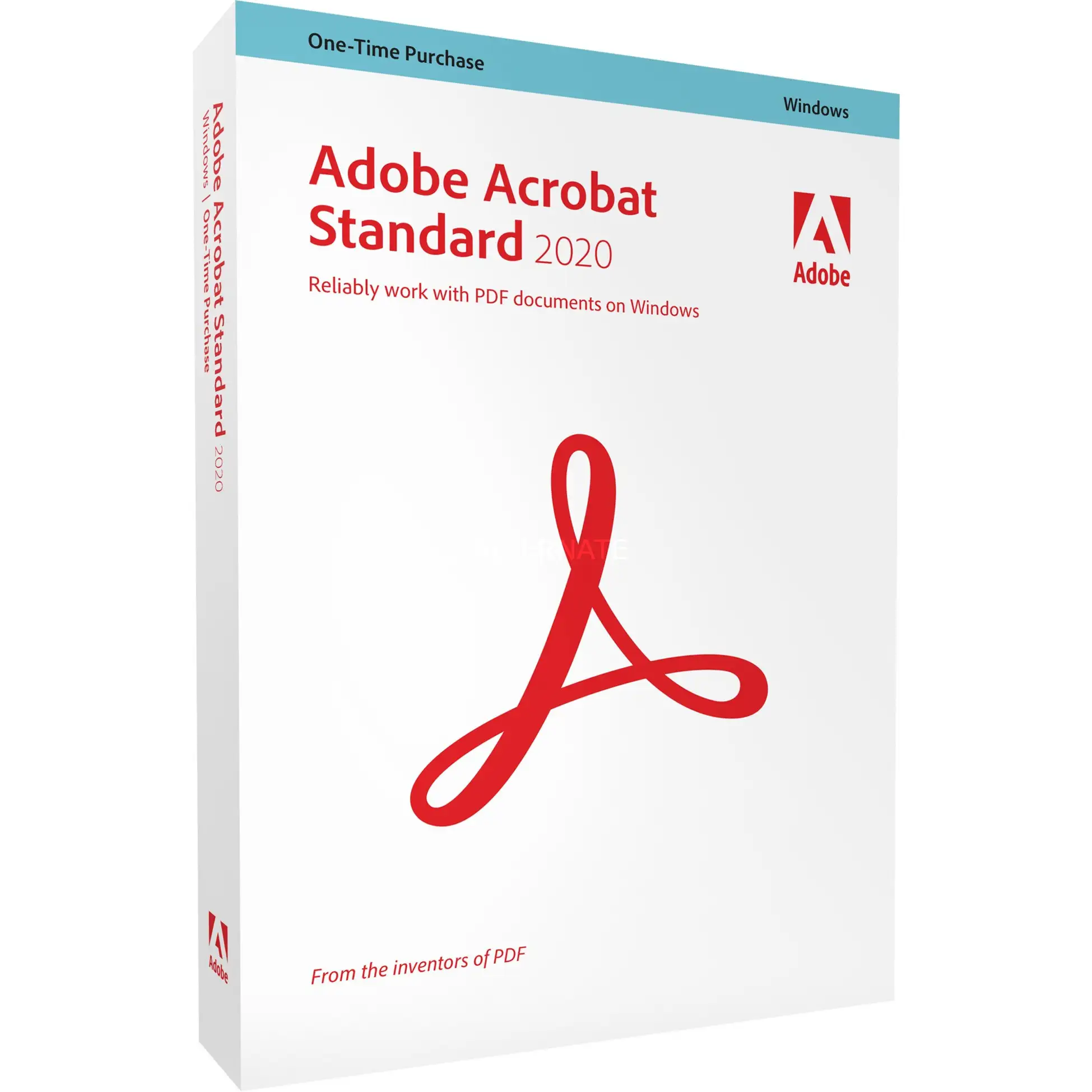
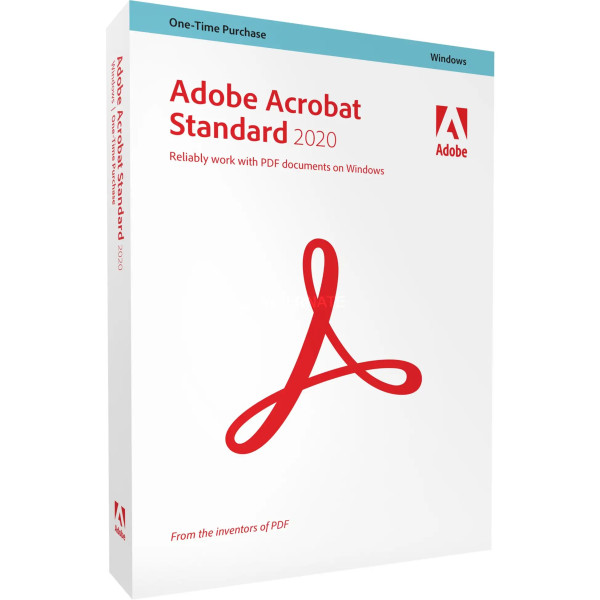
Adobe Acrobat Standard 2020
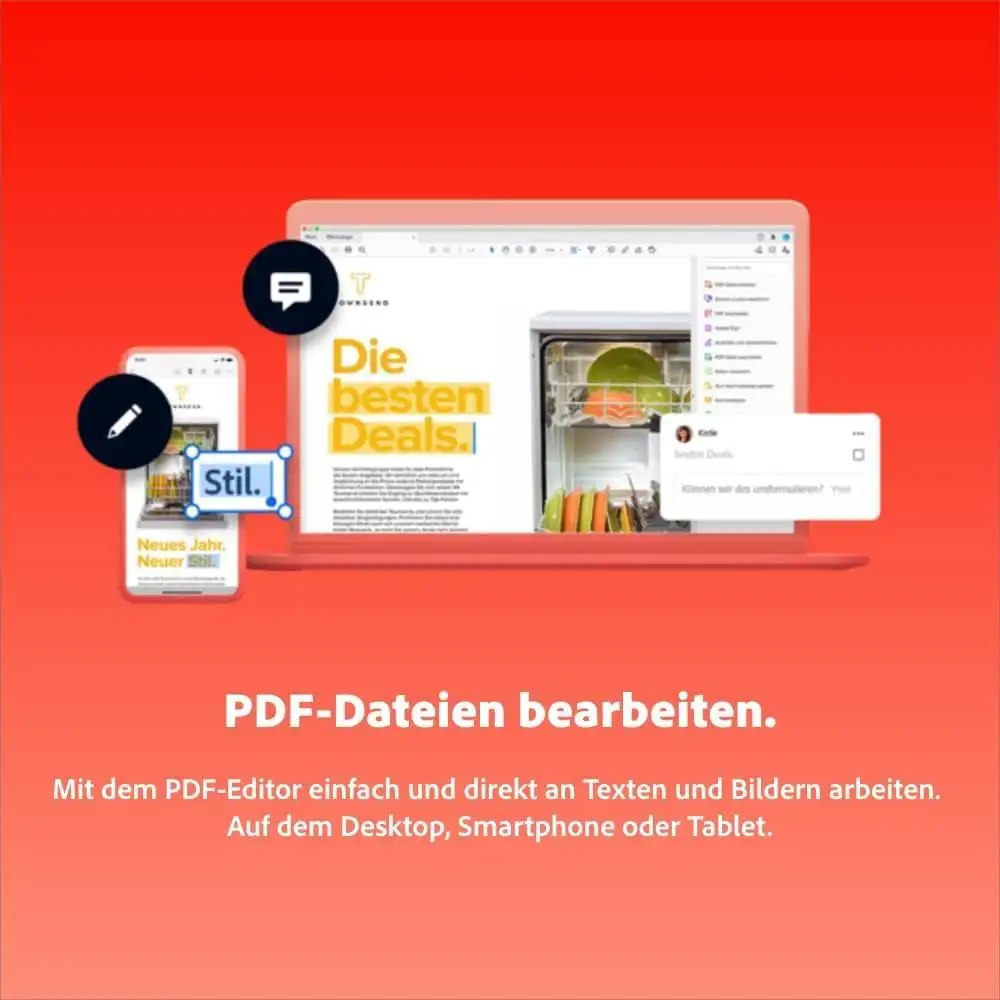
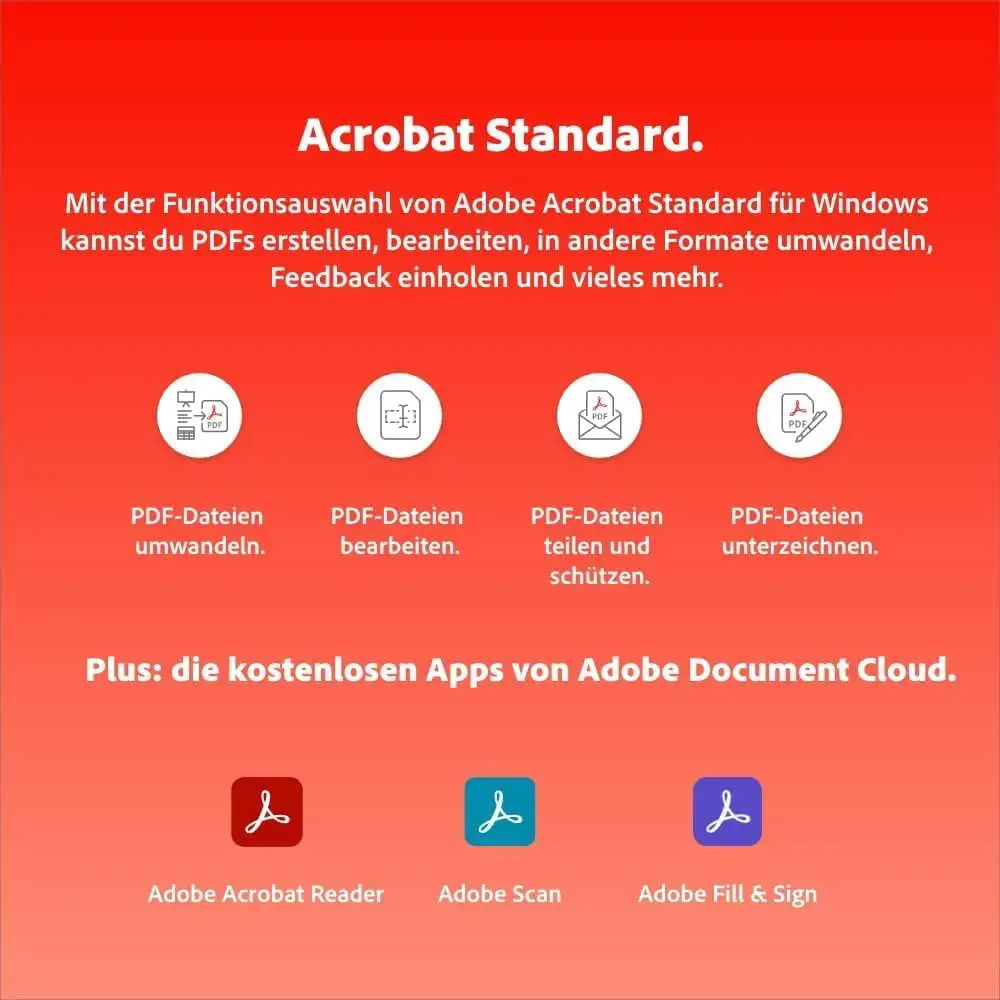
Adobe Acrobat Standard is the PDF solution for everyday office work: create and edit PDFs, convert them to Office formats, fill in forms and sign documents.
You receive a perpetual licence for one device – buy once, no subscription. To activate, you sign in with a free Adobe account. This edition is for Windows.
What’s included in Adobe Acrobat Standard 2020
- Create PDFs from Office documents and web pages
- Edit text and images in PDFs
- Convert PDFs to Word, Excel and PowerPoint
- Merge documents and manage pages
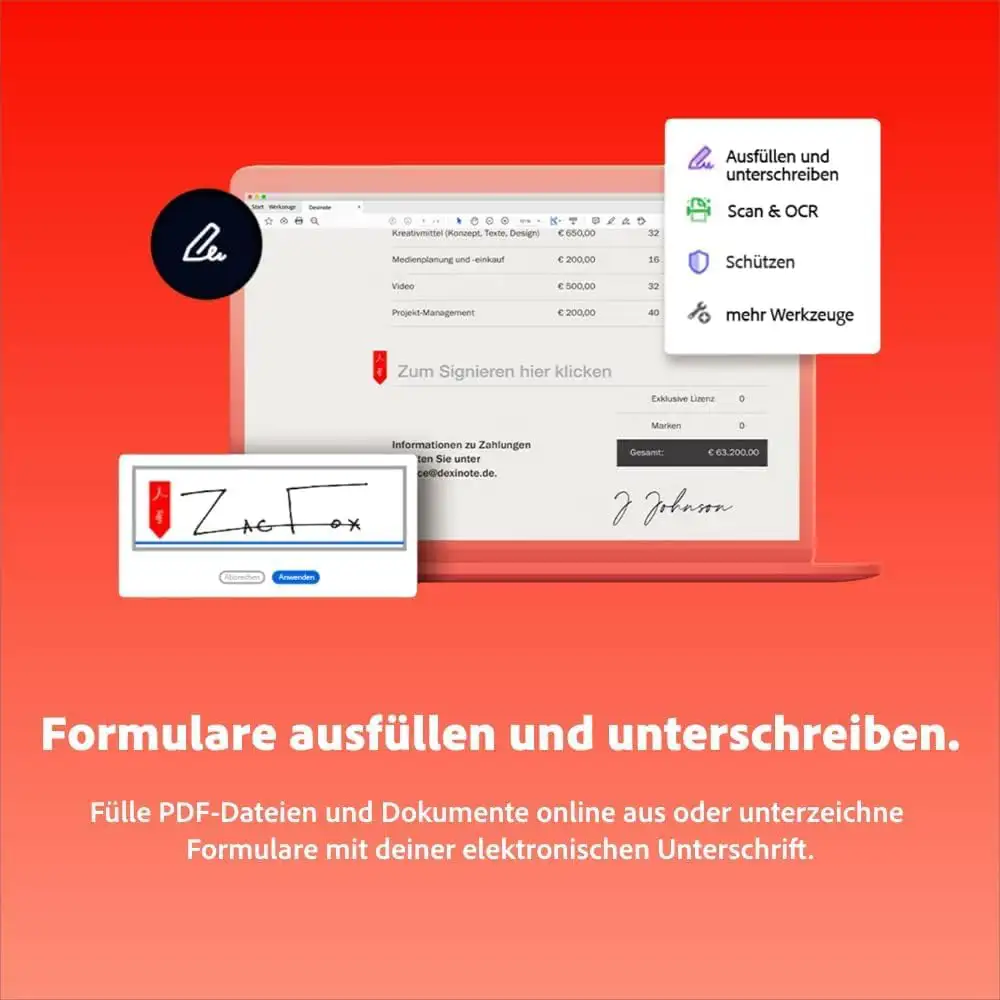
- Fill in and sign forms
- Protect PDFs with a password
Who is Adobe Acrobat Standard 2020 for?
- Offices and administrations
- Self-employed people
- Clubs and associations
- Anyone who works with PDFs regularly
Licence at a glance
| Manufacturer | Adobe |
| Licence | Perpetual licence for 1 device, no subscription |
| Platform | Windows |
| Activation | Serial number, sign-in with an Adobe account |
| Delivery | Serial number and download by e-mail |
Other Adobe editions
| Adobe Acrobat Pro 2020 | Create, edit, protect and compare PDFs |
| Adobe Acrobat PRO DC | Create, edit, protect and compare PDFs |
| Adobe Acrobat Standard 2017 | Create, edit and sign PDFs |
| Adobe Acrobat Standard DC | Create, edit and sign PDFs |
You will find more programs in the category PDF and OCR.
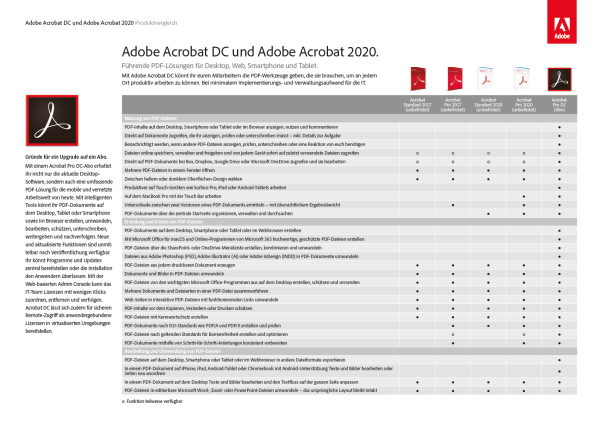
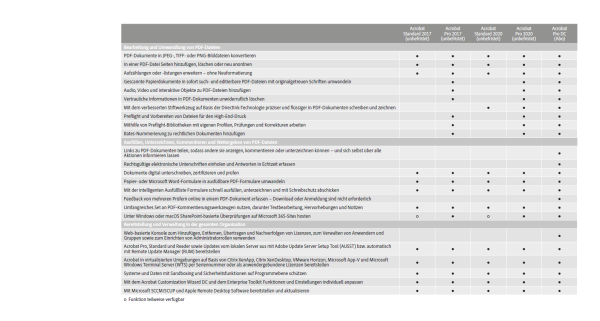
Standard or Pro?
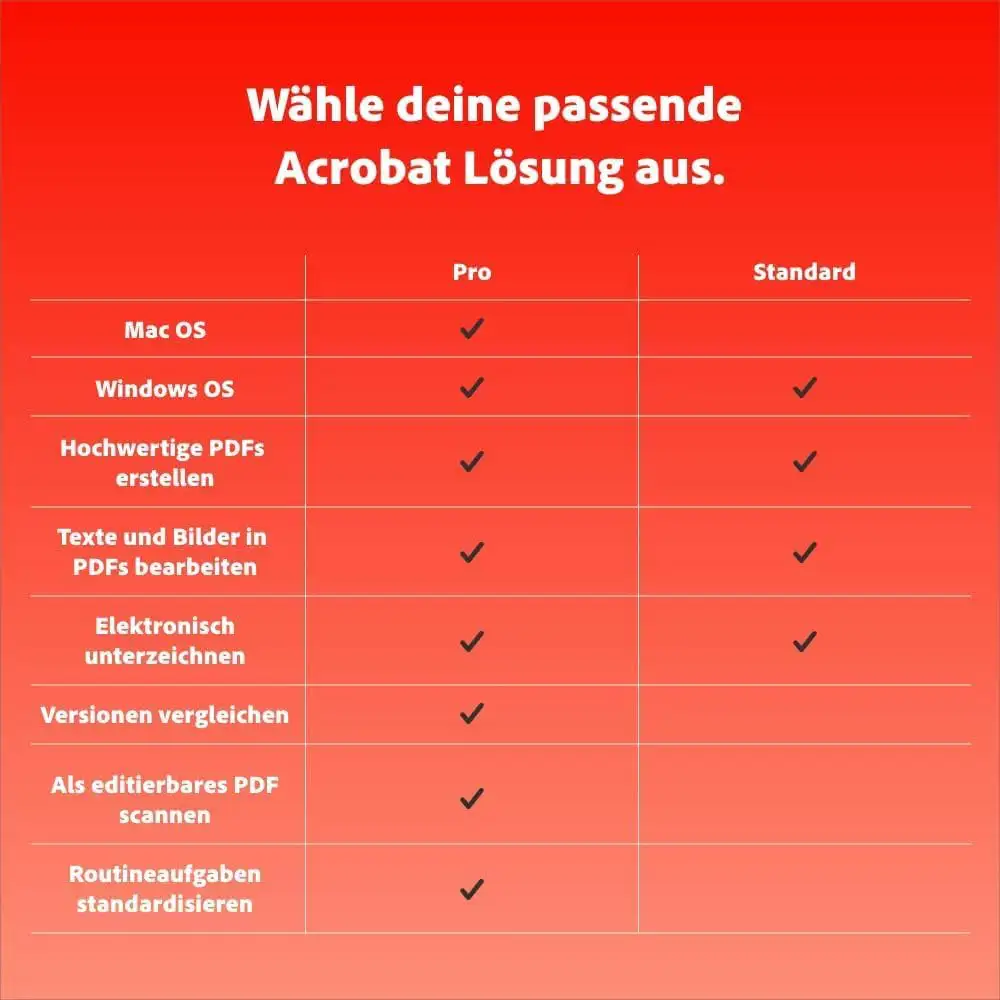
| Acrobat Standard | Create, edit and convert PDFs, fill in and sign forms |
| Acrobat Pro | also compare documents, redact content, advanced scanning and prepress features |
| DC editions | Fixed-term licence with code in your Adobe account |
| 2017/2020 | Perpetual licence with serial number |
Why Adobe?
Adobe invented the PDF format and, with Photoshop, Illustrator and Premiere, has shaped image and media editing for decades. Files from Adobe programs can be exchanged easily with print shops, agencies and clients, and there are tutorials and learning videos for almost every question. Working with Adobe means using the same tools professionals rely on every day.
An example from practice
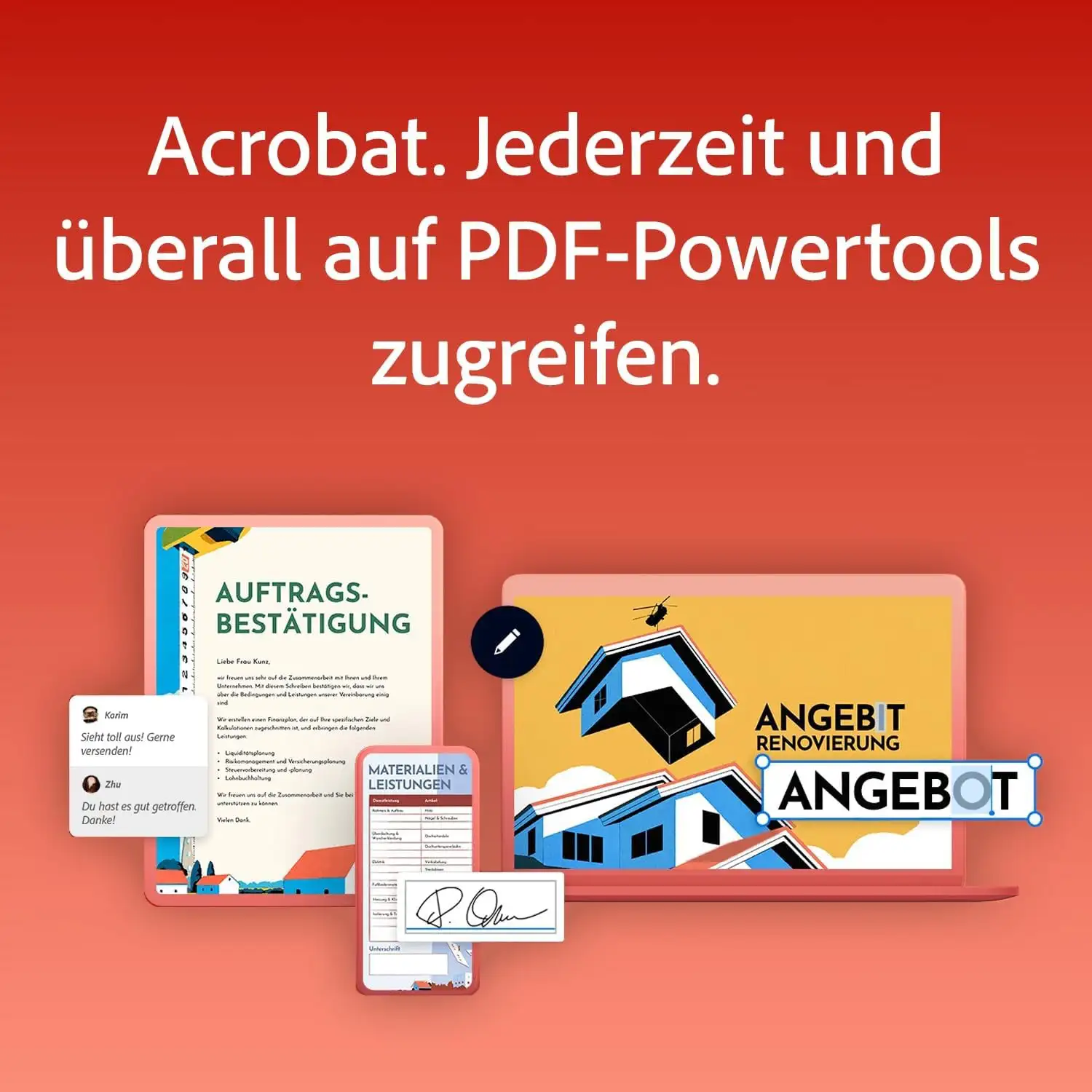
A tradesman merges his quote and bill of quantities into one PDF, corrects an amount directly in the document and protects the file with a password before sending it.
What to look out for when buying
- Check that your system meets the requirements.
- Older versions are cheaper and sufficient for many tasks.
- You need a free Adobe account for activation.
- All programs are supplied as a download.
- If you have any questions before buying, we are happy to advise you by e-mail, phone or live chat.
Tips for getting started
- Use the guided edits or tutorial videos from Adobe to get started quickly.
- Work with copies of your files at first.
- Save your projects regularly and make backups.
- Keep your serial number or code and the invoice in a safe place.
System requirements
- Operating system: Windows 10 or Windows 11 (64-bit)
- Memory: at least 8 GB recommended
- Hard disk: about 4 to 10 GB of free space, depending on the program
- Internet: required for activation, sign-in and online features
- Account: free Adobe account
Adobe lists the exact requirements on its website.
Installation and activation
- Download the program via the link in our email.
- Start the installation.
- Sign in with your Adobe account and enter the serial number.
- Done – Adobe Acrobat Standard 2020 is ready to use.
Frequently asked questions about Adobe Acrobat Standard 2020
Is this a subscription?
No. You buy a perpetual licence and use the program with no ongoing costs.
Do I need an Adobe account?
Yes, a free Adobe account is required for activation.
Does the program run on a Mac?
No, this edition is for Windows.
Which languages does the program support?
The interface is available in German. Which other languages are included depends on the product and version – feel free to ask us before you buy.
Can I exchange the licence?
Yes, as long as the product key has not yet been redeemed or activated. Simply send us an e-mail.
Will I receive an invoice?
Yes, with VAT shown, with your company address on request.
Delivery, invoice and support
- Delivery by e-mail: you will usually receive the serial number, download link and instructions within 5 to 30 minutes of payment (daily 09:00–21:00 CET). More under Shipping & payment.
- Invoice: every order comes with a proper invoice, with your company address on request.
- Origin of the licence: we source our licences from distributors and wholesalers in Europe. We explain exactly how this works on the page Buying legal software.
- Support: if you have questions about installation or activation, we help by e-mail (Mon–Sun 09:00–21:00 CET), phone (Mon–Fri 09:00–14:00 CET), live chat or remote support with TeamViewer.
Our goodwill promise
If the version you ordered is ever no longer available, we will supply the next higher version or edition at no extra charge. You never pay more than the price at which you ordered.