

Personal advice
Not sure which version is right? We help private and business customers.

Our advice team
Phone Mon–Fri 9 am to 2 pm, email daily 9 am to 9 pm
- Item number: LI-801065
- Devices: Unlimited
- Licence term: 1 year
- Language: All languages
- Country zone: Worldwide
- Shipping method: E-Mail
- Manufacturer: Surfshark

What's Included
- Instant delivery – Key & download via email
- Exchange possible as long as the key has not been redeemed
- Guide to installation and activation
- Invoice with VAT shown
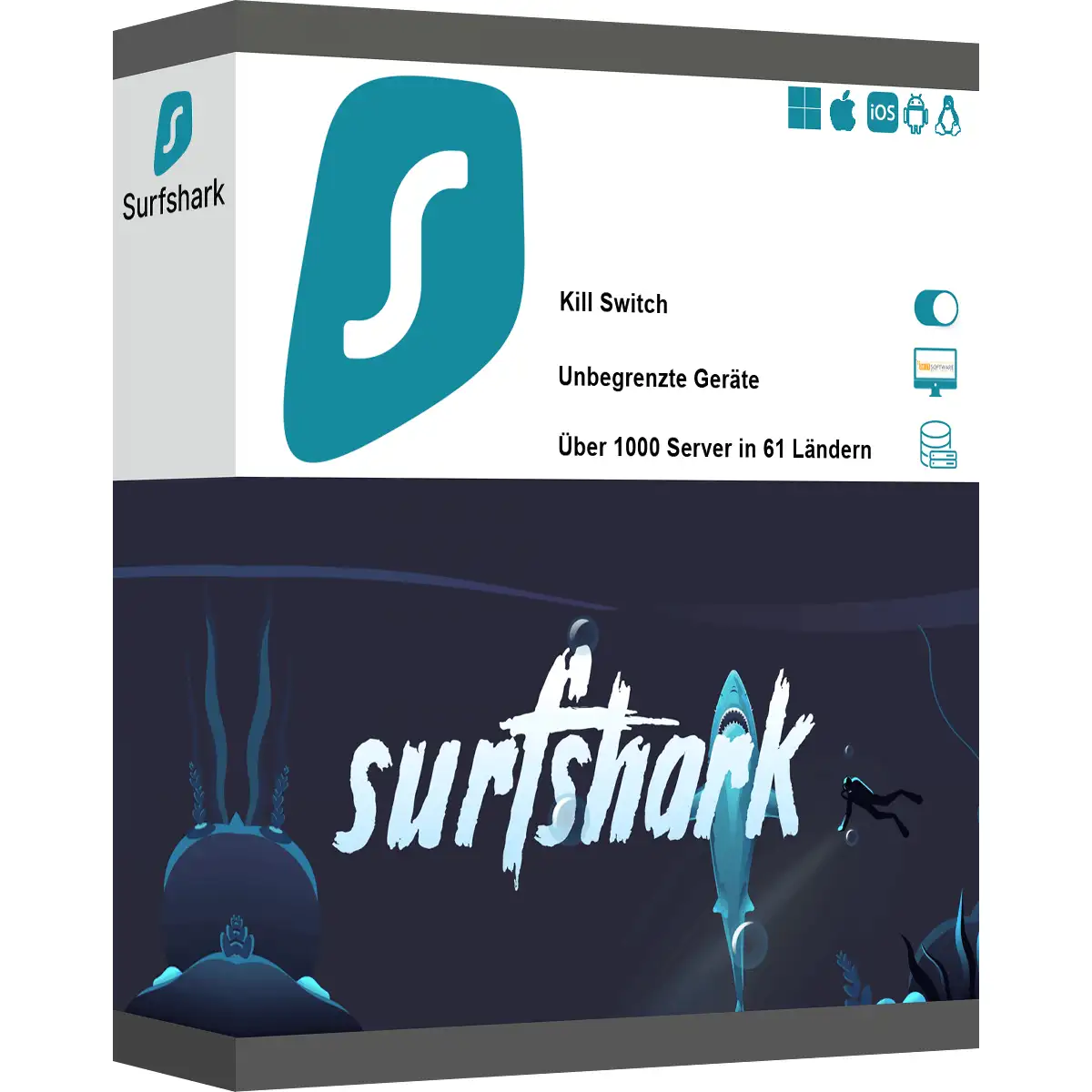
Surfshark VPN – one subscription for as many devices as you like
Surfshark encrypts your internet connection, hides your IP address and protects you from prying eyes on open Wi-Fi networks. What sets Surfshark apart from many other providers: the number of devices is not limited. The whole family’s laptops, smartphones, tablets and TVs all run through a single account, at the same time and at no extra cost.
The licence runs for one year from activation. The data volume is unlimited.
The most important features
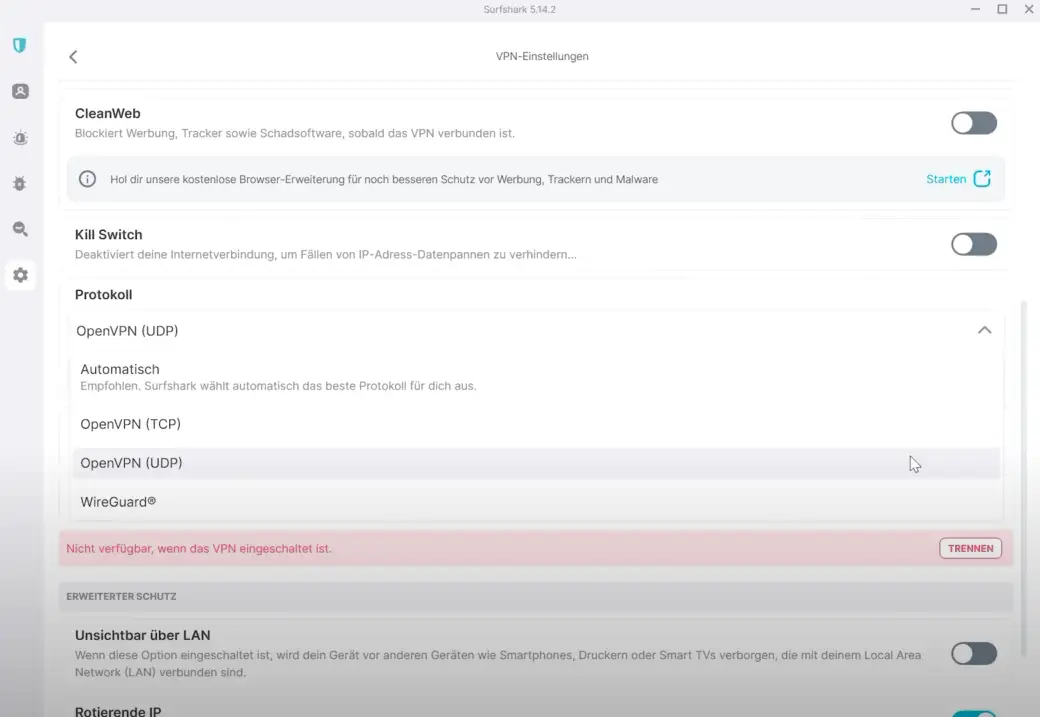
- strong encryption with the WireGuard, OpenVPN and IKEv2 protocols
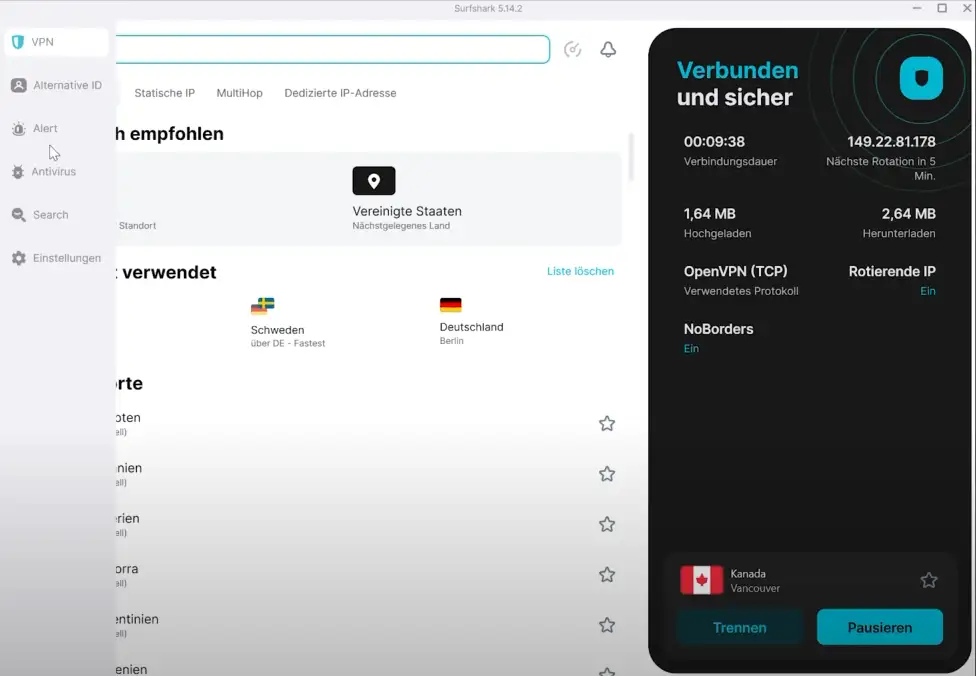
- servers in around 100 countries
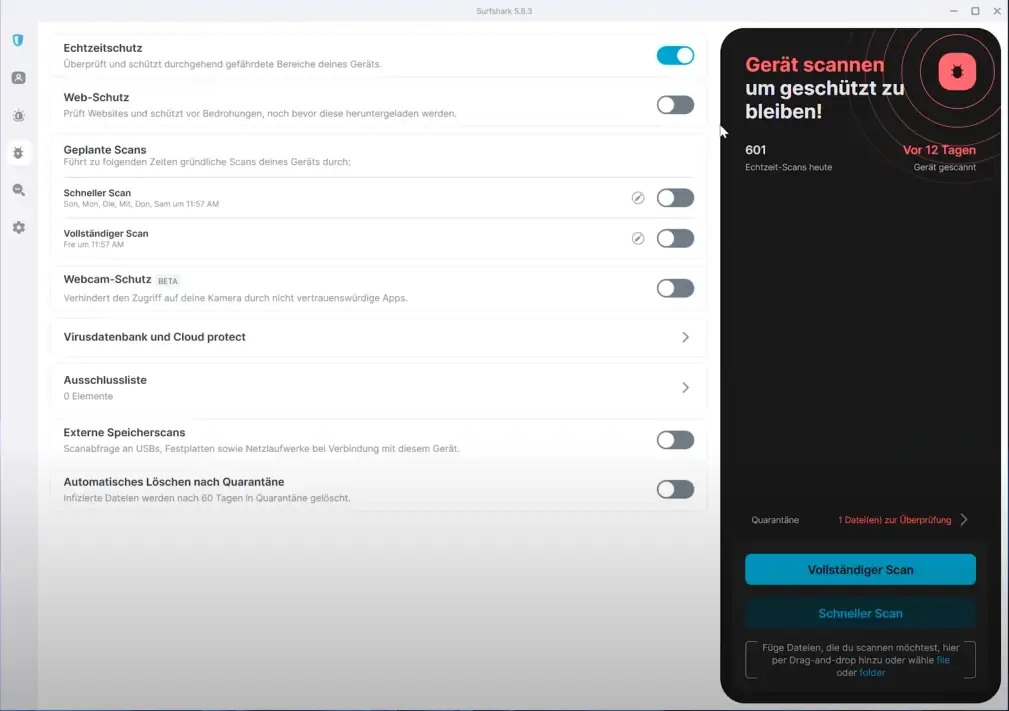
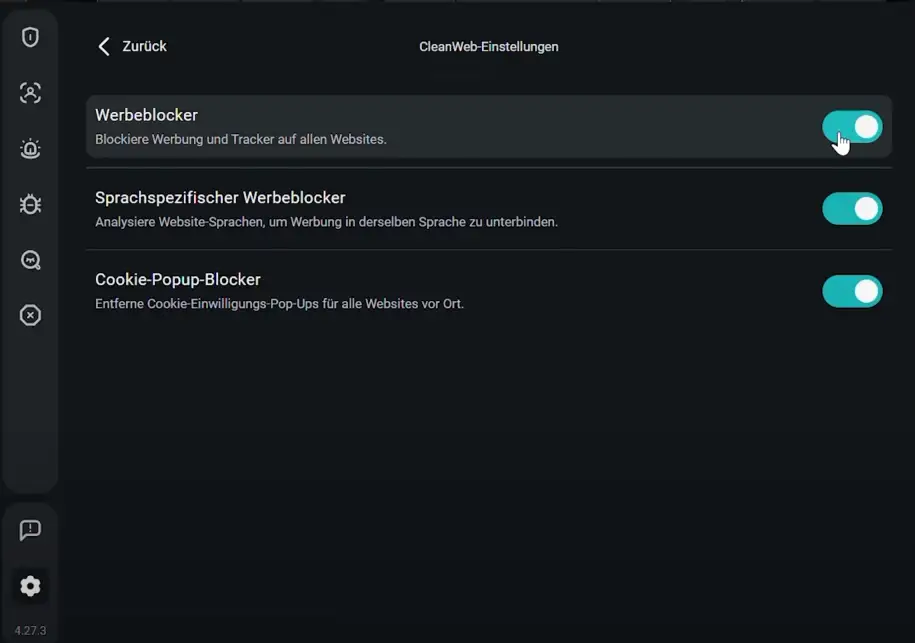
- CleanWeb: blocks ads, trackers and known malicious sites as they load
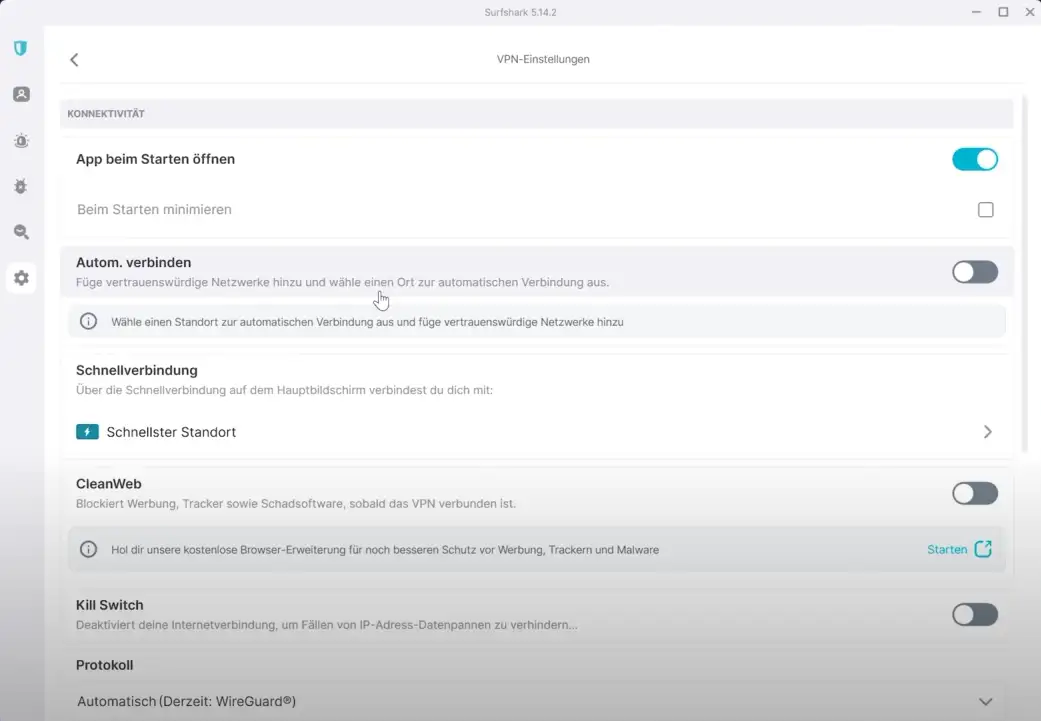
- Kill switch: cuts the internet connection if the VPN fails
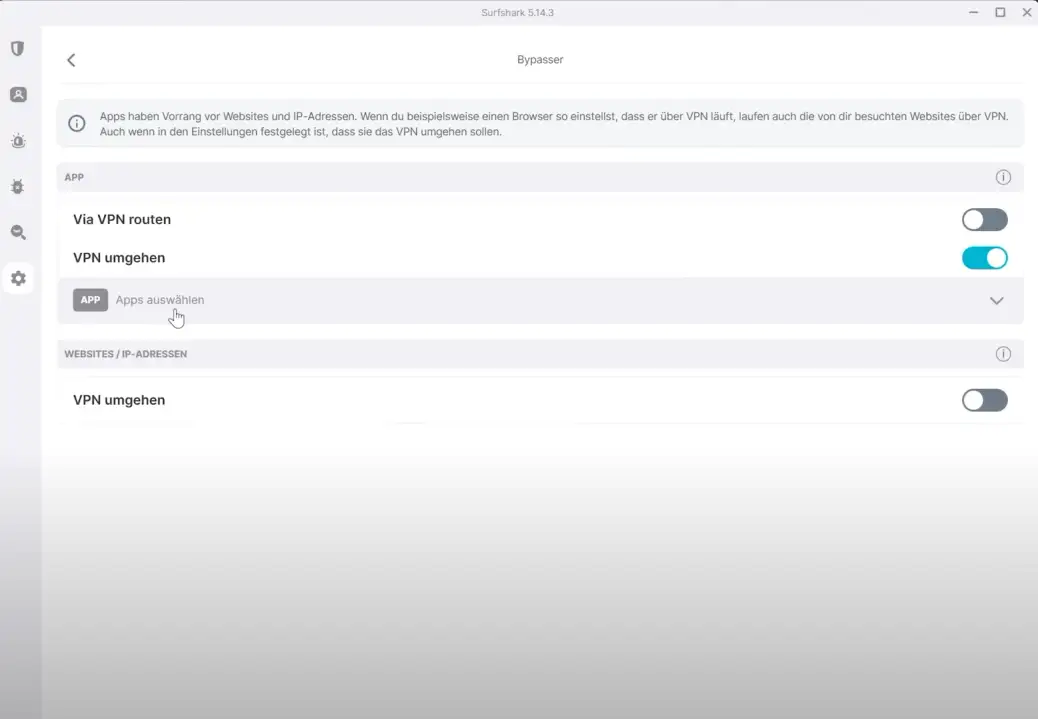
- Bypasser (split tunnelling): use selected apps and websites without the VPN
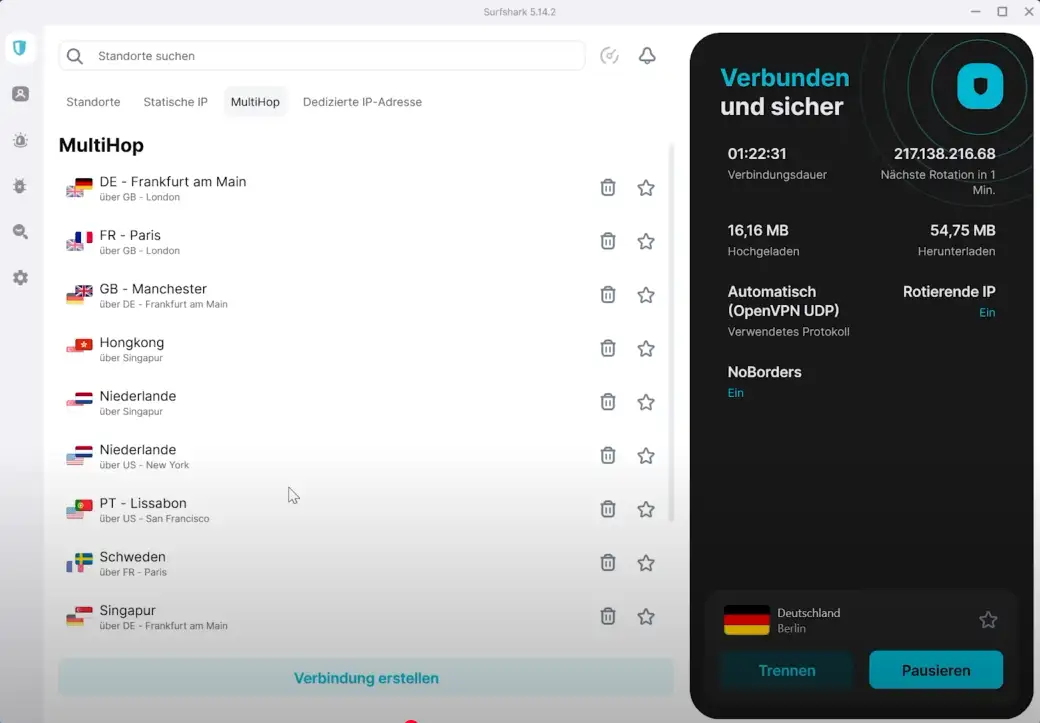
- Dynamic MultiHop: connection via two servers for extra privacy
- No-logs policy, confirmed by independent auditors
Who is Surfshark for?
- for families and shared households with lots of devices
- for frequent travellers who often use hotel and airport Wi-Fi
- for anyone who wants less advertising and tracking while browsing
Looking for a solution that includes antivirus protection? Then take a look at Bitdefender Total Security & Unlimited VPN or compare it with Bitdefender Premium VPN. You will find all offers in the Antivirus & VPN category.
Supported devices and system requirements
- Windows: Windows 10 and Windows 11 (64-bit)
- macOS: macOS 12 Monterey or later
- iPhone and iPad: iOS / iPadOS 17 or later
- Android: app from the Google Play Store, also for Android TV
- Linux: app for common distributions (Ubuntu, Debian, Fedora)
- Amazon Fire TV plus browser extensions for Chrome and Firefox
- Smart TVs and games consoles without a VPN app via Smart DNS
- Internet: active internet connection, free Surfshark account
Setup
- Create an account on the Surfshark website or sign in.
- Redeem the activation code from our e-mail in your account.
- Install the Surfshark app on your devices and sign in with the same account.
- Tap “Connect” – done.
Frequently asked questions about Surfshark VPN
On how many devices can I use Surfshark?
On as many as you like, even at the same time.
When does the term start?
When you redeem the code in your Surfshark account.
Does the licence renew automatically?
No. The term ends after one year; you can renew with a new code.
Does Surfshark store which websites I visit?
No. Surfshark follows a no-logs policy that has been confirmed by independent auditors.
Delivery, invoice and support
- Delivery by e-mail: you will usually receive the activation code and setup instructions within 5 to 30 minutes of payment (daily 09:00–21:00 CET). More under Shipping & payment.
- Invoice: every order comes with a proper invoice, with your company address on request.
- Origin of the licence: we source our licences from distributors and wholesalers in Europe. We explain exactly how this works on the page Buying legal software.
- Support: if you have questions about installation or activation, we help by e-mail (Mon–Sun 09:00–21:00 CET), phone (Mon–Fri 09:00–14:00 CET), live chat or remote support with TeamViewer.
Our goodwill promise
If the edition you ordered is ever no longer available, we will supply the next higher edition with the same term at no extra charge. You never pay more than the price at which you ordered.



