Personal advice
Not sure which version is right? We help private and business customers.

Our advice team
Phone Mon–Fri 9 am to 2 pm, email daily 9 am to 9 pm
- Item number: LI-802814
- Devices: Depending on choice
- Licence term: Permanently valid
- Language: All languages
- Country zone: Worldwide
- Shipping method: E-Mail
- Manufacturer: Microsoft

What's Included
- Instant delivery – Key & download via email
- Exchange possible as long as the key has not been redeemed
- Guide to installation and activation
- Invoice with VAT shown
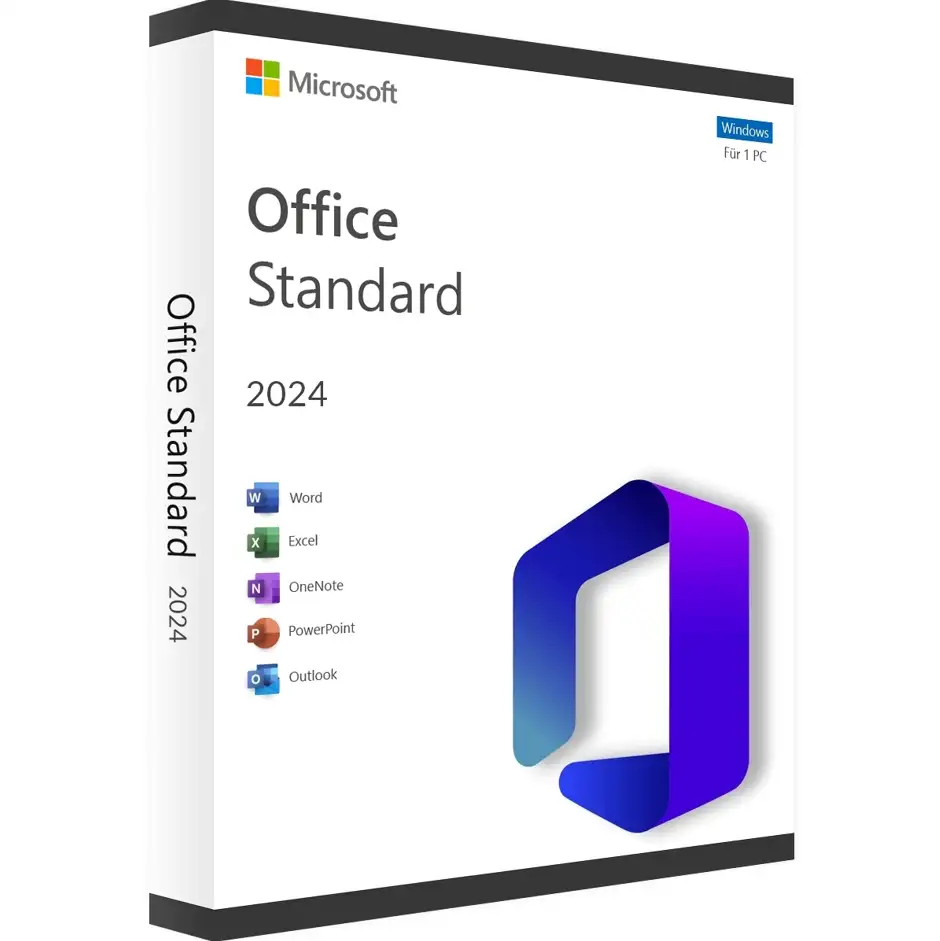
Office 2024 Standard for terminal servers and Remote Desktop
This edition of Office 2024 Standard is intended for environments where several people work on a central server via Remote Desktop. Instead of installing Office on every single computer, it runs once on the terminal server, and your employees access it from their workstation, their home office or on the move.
You can order this item from a quantity of three licences. You receive a licence for exactly the number you purchased. The licence can also be used privately or on individual computers, but the focus is clearly on terminal server and Remote Desktop installations.
Who is this licence for?
- Companies and law firms with a central terminal server
- IT service providers who manage Remote Desktop environments for customers
- Teams with many home office workstations working via RDP
- Practices and offices that want to manage software centrally
How to order
- Choose the quantity you need – at least three.
- You receive the licence for exactly this number of users.
- Install Office on the server and activate it with the key supplied.
Included programs
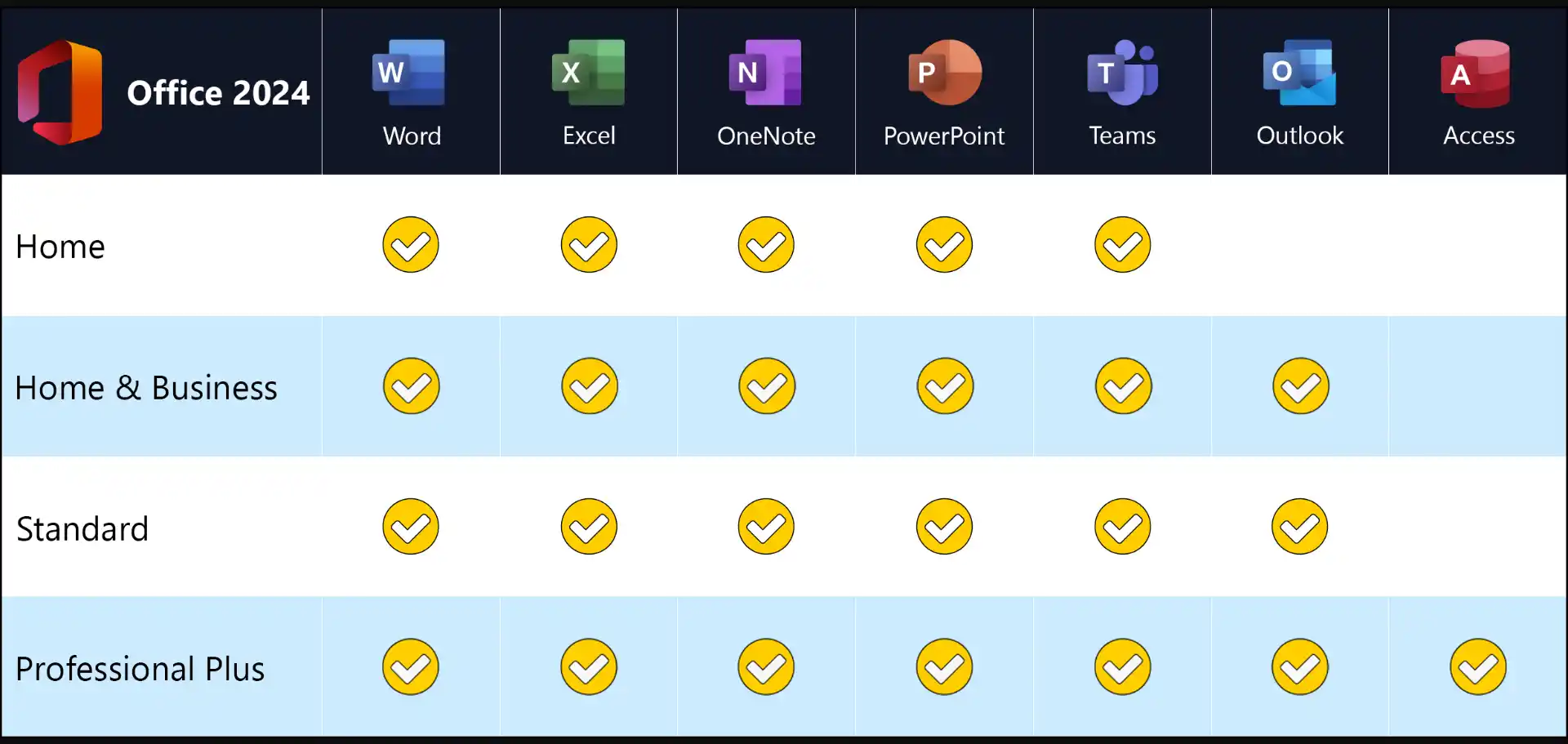
- Word 2024 – texts, reports, contracts and mail merges
- Excel 2024 – calculations, analyses, pivot tables and charts
- PowerPoint 2024 – presentations with animations and video export
- Outlook 2024 – e-mail, calendar, contacts and tasks
- OneNote – digital notebooks for projects and meetings
New in Office 2024
- Excel: dynamic charts that automatically adapt to array formulas, new text functions such as TEXTSPLIT, TEXTBEFORE and TEXTAFTER, and the IMAGE function for inserting pictures directly into cells
- PowerPoint: Cameo embeds your live camera feed in the slide, and the Recording Studio makes video presentations with subtitles easier
- all programs: support for OpenDocument format 1.4, a revised accessibility checker and a design in the style of Windows 11
Which edition suits your environment?
| Terminal server (this item) | central installation on the server, from three licences |
| Office 2024 Standard for 1–5 users | installation directly on up to five PCs |
| Office 2024 Standard | single licence for one PC |
To access the server, your users additionally need the appropriate Windows Server and RDS CALs. You will find the entire range under Microsoft Office 2024.
Advantages of a central installation
- One update for everyone: Office is only updated on the server, not on every single PC.
- Work from anywhere: employees access the same environment via Remote Desktop from the office, their home office or on the move.
- Keep using older devices: the computing power comes from the server, so weaker clients and thin clients are sufficient.
- Data stays in the company: documents are stored centrally on the server and can be backed up together.
Licensing at a glance
You need a licence for each user who uses Office on the terminal server. So order the quantity that corresponds to the number of your Office users – at least three. Access to the server itself additionally requires Windows Server licences as well as client access licences for Windows Server and Remote Desktop. We will be happy to advise you on the right quantity.
System requirements
- Operating system: Windows 11 or Windows 10. For new computers we recommend Windows 11 Pro
- Processor: 1.1 GHz or faster, at least 2 cores
- Memory: 4 GB RAM
- Hard disk: 4 GB of free space
- Display: resolution of 1280 × 768 or higher (use the 64-bit version for 4K)
- Graphics: DirectX 9.1 or later with WDDM 1.3 driver for hardware acceleration
- Internet: required for download, activation and updates
- Other: some features require .NET 3.5 or 4.6 or later
- Terminal server: Windows Server 2022 or Windows Server 2025 with Remote Desktop Services
Installation on the terminal server
- Set up Remote Desktop Services (Session Host) on the Windows Server.
- Install Office 2024 on the server using the installation package from our guide.
- Activate Office with the key supplied.
- Users sign in via Remote Desktop and can start working with Office immediately.
Frequently asked questions
From what quantity can I order?
From three licences. You receive one licence for each unit purchased.
May I also use the licence privately?
Yes. The licence is mainly intended for terminal servers and Remote Desktop but can also be used privately.
Do I need a Microsoft account?
No, activation is done with the product key.
Are the RDS CALs included?
No. Client access licences for Windows Server and Remote Desktop are ordered separately.
Delivery, invoice and support
- Delivery by e-mail: you will usually receive licence keys for the quantity purchased and an installation guide for terminal servers within 5 to 30 minutes of payment (daily 09:00–21:00 CET). More under Shipping & payment.
- Invoice: every order comes with a proper invoice, with your company address on request.
- Origin of the licence: we source our licences from distributors and wholesalers in Europe. We explain exactly how this works on the page Buying legal software.
- Support: if you have questions about installation or activation, we help by e-mail (Mon–Sun 09:00–21:00 CET), phone (Mon–Fri 09:00–14:00 CET), live chat or remote support with TeamViewer.
Our goodwill promise
Should the ordered Office version ever no longer be available, we will supply the next higher version at no extra charge. You never pay more than the price at which you ordered.