
Personal advice
Not sure which version is right? We help private and business customers.

Our advice team
Phone Mon–Fri 9 am to 2 pm, email daily 9 am to 9 pm
- Item number: LI-801420
- Devices: 1 PC
- Licence term: Permanently valid
- Language: All languages
- Country zone: Worldwide
- Shipping method: E-Mail
- Manufacturer: Ashampoo

What's Included
- Instant delivery – Key & download via email
- Exchange possible as long as the key has not been redeemed
- Guide to installation and activation
- Invoice with VAT shown
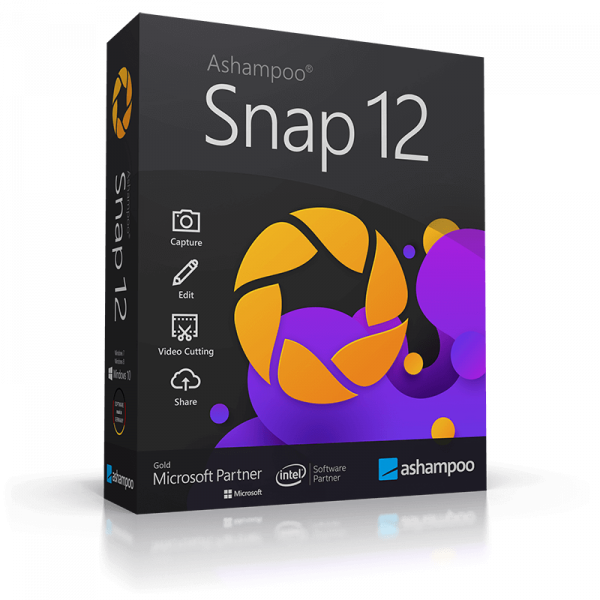
Ashampoo Snap 12
Ashampoo Snap captures screenshots and screen videos and lets you edit them straight away – ideal for tutorials, presentations and support. Version 12 is a standalone edition that you can use permanently.
You receive a perpetual licence for one PC – buy once, no subscription. We send you the licence key and download link by e-mail; activation takes place in the program or in your Ashampoo account.
What Ashampoo Snap 12 offers
- Screenshots of windows, selected areas or entire pages
- Record screen videos with sound
- Add arrows, text and highlights
- Blur confidential areas
- Export to many formats
- Share by e-mail or via the cloud
Who is Ashampoo Snap 12 for?
- Trainers and support staff
- Authors of tutorials and guides
- Teachers
- Anyone who documents errors or workflows
Licence at a glance
| Manufacturer | Ashampoo GmbH & Co. KG, Rastede |
| Licence | Perpetual licence for 1 PC, no subscription |
| Platform | Windows |
| Activation | Licence key in the program or in your Ashampoo account |
| Delivery | Licence key and download by e-mail |
Other versions and editions
| Ashampoo Snap 16 | Screenshots and screen videos |
You will find more programs in the categories Video and recording and Ashampoo.
Why Ashampoo?
Ashampoo has been developing software in Rastede near Oldenburg since 1999. Its programs are known for clear interfaces that even beginners understand without a long learning curve, and for fair prices. Many tasks that require specialist knowledge in other programs take just a few steps with Ashampoo – wizards and previews show you exactly what is happening at every stage.
An example from practice
An IT administrator creates an illustrated guide for her colleagues, highlights the important buttons and blurs out confidential data.
What to look out for when buying
- Check that your version of Windows meets the system requirements.
- Older versions cost less and are perfectly adequate for many tasks; newer versions add extra features.
- The licence is valid for one PC. For additional computers, simply order the number you need.
- All programs are supplied as a download – you do not need a disc drive.
- If you have any questions before buying, we are happy to advise you by e-mail, phone or live chat.
Tips for getting started
- Read the short introduction when you first start the program – it shows you the most important functions.
- Try out settings on a copy of your files first.
- Use the preview before applying any changes.
- Keep your licence key and invoice in a safe place, for example for a later reinstallation.
System requirements
- Operating system: Windows 10 or Windows 11
- Memory: at least 4 GB recommended
- Hard disk: about 200 MB to 2 GB of free space, depending on the program
- Internet: required for download and activation
The exact requirements are listed on the manufacturer’s website.
Installation and activation
- Download the program via the link in our email.
- Start the installation and follow the wizard.
- Enter the licence key when you first start the program – if necessary, sign in to your Ashampoo account to do so.
- Done – Ashampoo Snap 12 is ready to use.
Frequently asked questions about Ashampoo Snap 12
Is this a subscription?
No. You buy a perpetual licence and use the program with no ongoing costs.
How many PCs can I use the program on?
The licence is valid for one PC. If you switch to a new PC, uninstall the program on the old device and activate it on the new one.
Does the program run on a Mac?
No, Ashampoo Snap 12 is for Windows.
Which languages does the program support?
The interface is available in German. Current Ashampoo versions also include further languages, including English. For older versions, feel free to ask us before you buy.
Do I need an Ashampoo account?
A free Ashampoo account may be required for activation. It also gives you an overview of all your licences.
Can I exchange the licence?
Yes, as long as the product key has not yet been redeemed or activated. Simply send us an e-mail.
Will I receive an invoice?
Yes, with VAT shown, with your company address on request.
Delivery, invoice and support
- Delivery by e-mail: you will usually receive the licence key, download link and instructions within 5 to 30 minutes of payment (daily 09:00–21:00 CET). More under Shipping & payment.
- Invoice: every order comes with a proper invoice, with your company address on request.
- Origin of the licence: we source our licences from distributors and wholesalers in Europe. We explain exactly how this works on the page Buying legal software.
- Support: if you have questions about installation or activation, we help by e-mail (Mon–Sun 09:00–21:00 CET), phone (Mon–Fri 09:00–14:00 CET), live chat or remote support with TeamViewer.
Our goodwill promise
If the version you ordered is ever no longer available, we will supply the next higher version or edition at no extra charge. You never pay more than the price at which you ordered.



