

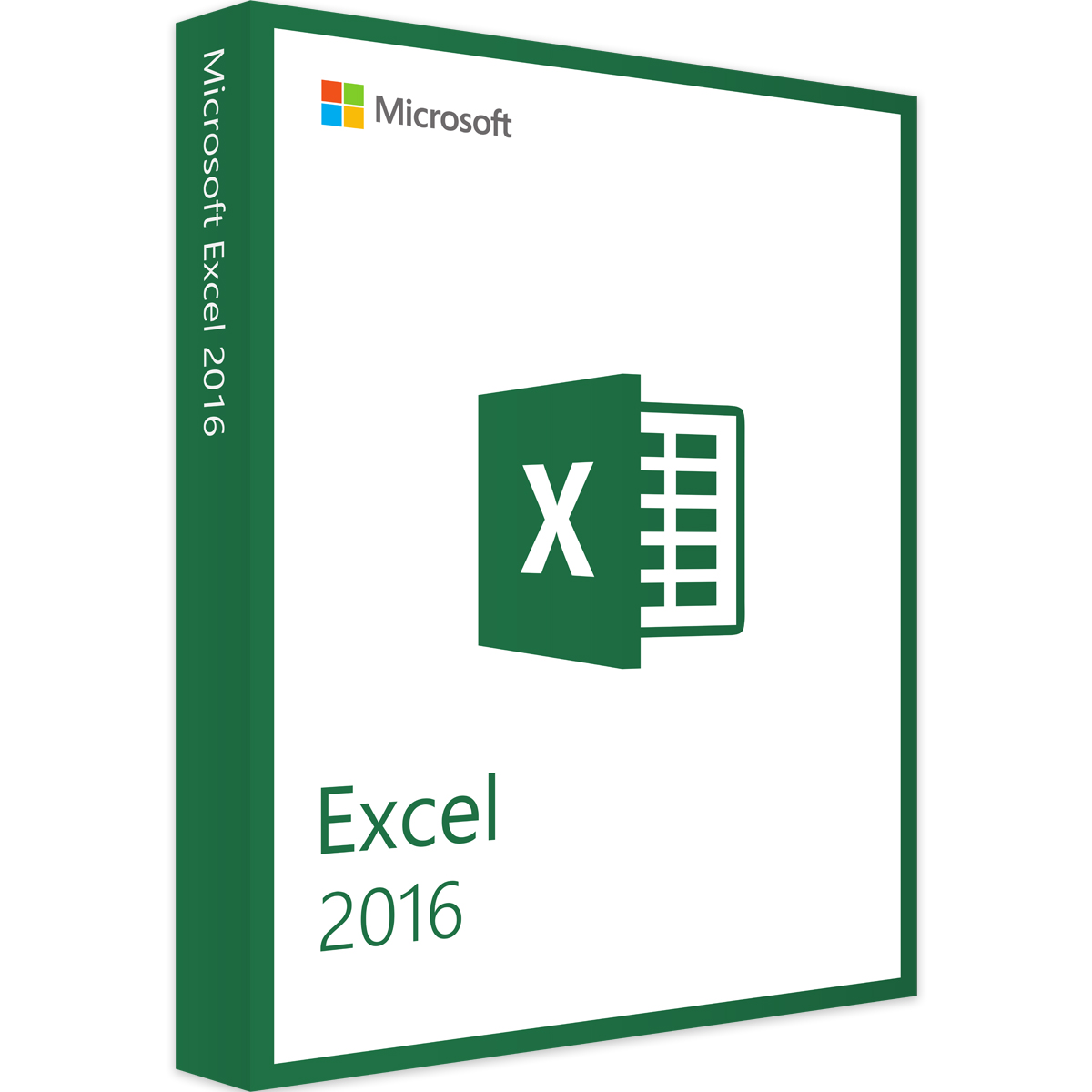
Microsoft Excel 2016 | Windows / Mac | Certificato | Download immediato | Spedizione rapida



Ti consigliamo personalmente
Direttamente accessibile per clienti privati e aziendali.

Siamo felici di essere lì per te!
Lun - Ven: 9:00 - 14:00
Prezzi incl. IVA più spese di spedizione
Download immediato + codice prodotto
Ambito di consegna
- Download immediato e chiave originale via e-mail
- Attivazione sicura: garanzia di utilizzo a lungo termine
- Istruzioni semplici: installazione e attivazione
- Fattura trasparente: IVA inclusa
- Numero Ordine: IT-ID-90909
- Campo di testo libero 1: Neu
- Dispositivi: 1 PC
- Tempo di esecuzione: Validità permanente
- Lingua: Tutte le lingue
- Zona paese: In tutto il mondo
- Metodo di spedizione: E-Mail
- Produttore: Microsoft







Excel 2016 for Windows: New features for powerful data analysis, easy collaboration, and enhanced security
Microsoft Excel 2016 for Windows is the latest version of the popular spreadsheet software from Microsoft. It offers a variety of new features and improvements over previous versions that make it easier for users to analyze, present, and share data.
One of the most important features of Excel 2016 is the integration of Power Query, Power Pivot and Power View, which enable users to process large amounts of data and gain insights. Power Query allows users to import and transform data from different sources, while Power Pivot offers powerful data modeling capabilities and Power View allows users to present data in a visually appealing way.
Excel 2016 also offers improved charting and table features, including new chart types such as the “waterfall chart” and the “treemap”. These new charts provide a better visualization of data and make it easier for users to gain insights from the data.
Another important feature of Excel 2016 is improved collaboration. Users can now work on a workbook in real time and view changes in real time. There is also a commenting feature that allows users to provide feedback and comment on changes.
Excel 2016 also offers improved security features, including the ability to password-protect workbooks and disable macros. These features help ensure that sensitive data remains secure and cannot be modified by unauthorized individuals.
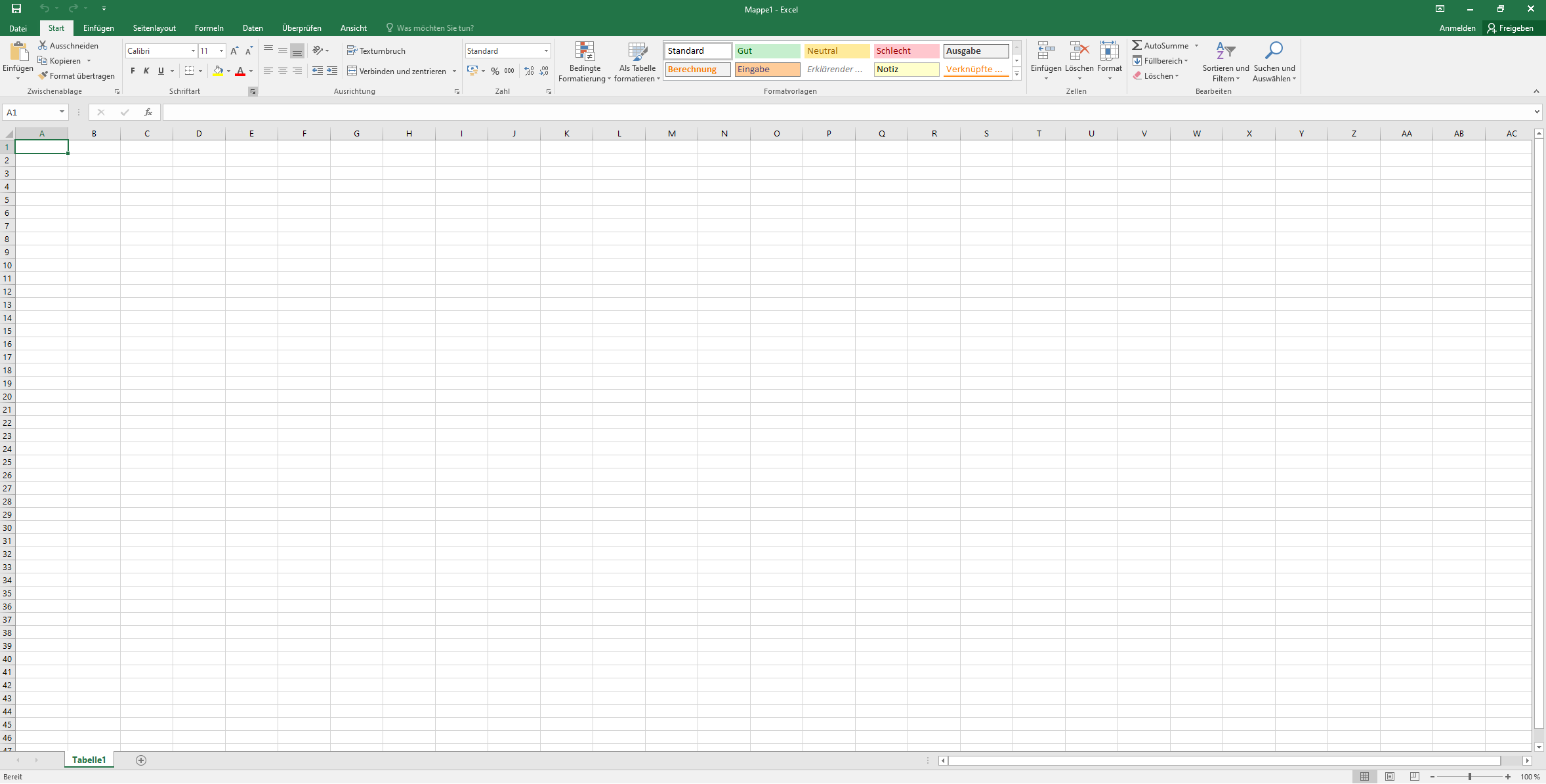
In addition, Excel 2016 offers improved usability with a new Design tab for quickly customizing charts and tables, and a new “Tell Me” feature that helps users quickly find the features they want.
In summary, Microsoft Excel 2016 for Windows offers a wide range of new features and enhancements, including powerful data analysis, easy collaboration, improved charts and tables, enhanced security features, and improved usability.
Who is Microsoft Excel 2016 | Windows for?
Microsoft Excel 2016 is a powerful spreadsheet software suitable for a wide range of users. Here are some categories of users for whom Excel 2016 can be useful:
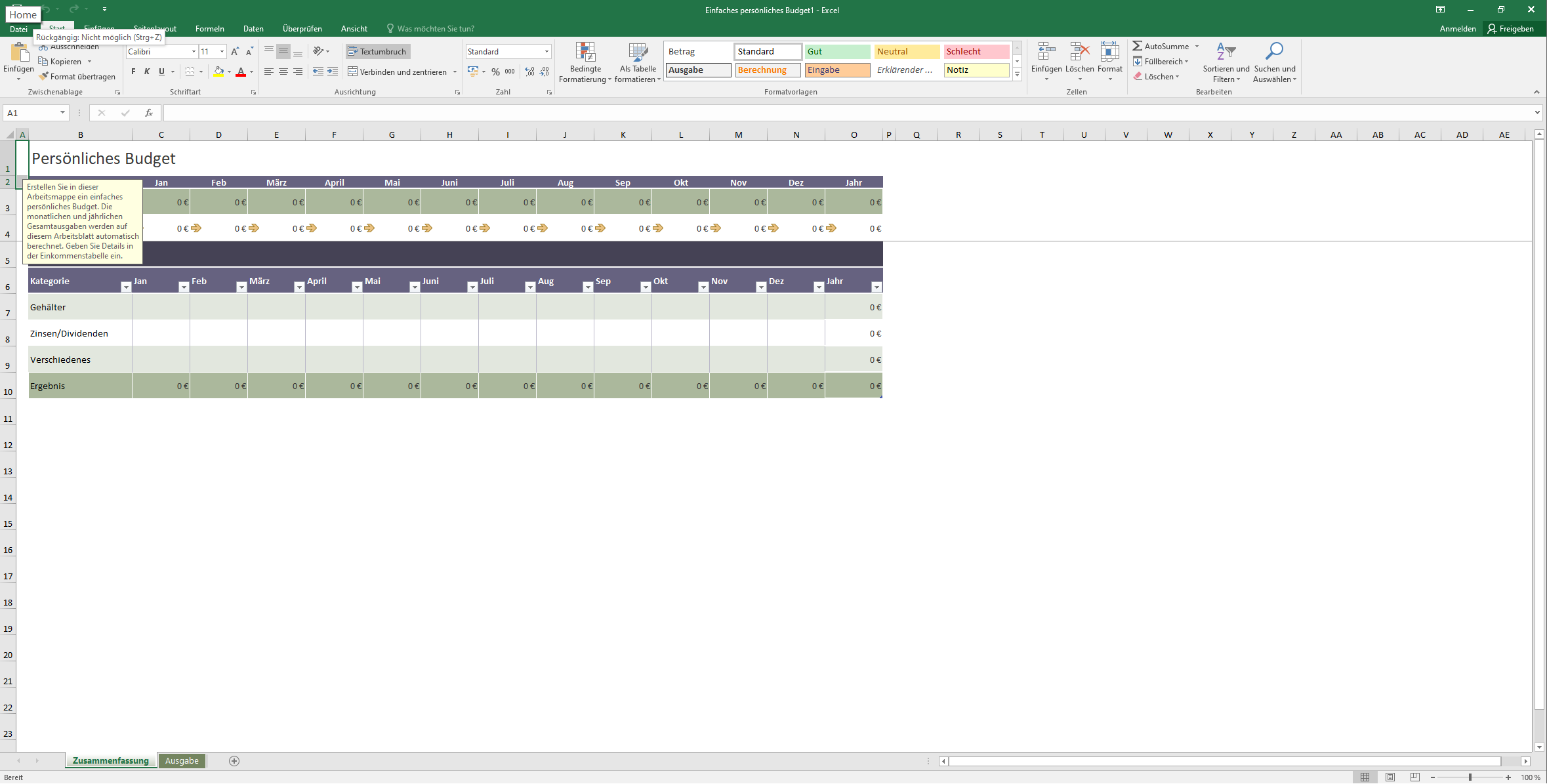
- Business people and companies Excel 2016 offers numerous features that are useful for business people and companies. It is an effective way to manage and analyze business data, organize financial data, and create budgets. Excel 2016 is also helpful for creating charts and graphs to present business data in a visually appealing way.
- Scientists and researchers Excel 2016 offers a variety of tools for scientists and researchers who need to process and analyze large amounts of data. It can be used for data entry, calculating statistics, creating charts and building predictive models. Excel 2016 can also be used to create databases and manage experiments.
- Students and teachers Excel 2016 is a useful tool for students and teachers, especially for those who use data for research projects, statistics or presentations. It can be used to create charts and graphs, organize data and perform calculations. Teachers can also use Excel 2016 to create sheet music and manage student data.
- Data analysts and data scientists Excel 2016 is a powerful tool for data analysts and data scientists who need to create complex data models and visualize data. It offers a wide range of functions, including pivot tables, data slicing, data validation, and data analysis templates. Excel 2016 also allows users to create macros and write custom functions.
- Accountants and financial experts Excel 2016 is also a valuable tool for accountants and financial experts who need to create financial reports, budgets and forecasts. Excel 2016 offers functions such as financial formulas, pivot tables and charts that can be helpful when creating financial reports and budgets.
- Marketing professionals Excel 2016 also offers marketing professionals useful functions for market analysis, campaigns and customer behavior. With Excel 2016, users can analyze data, create charts and graphics, and perform trend analysis. It can also be used to create marketing budgets and forecasts.
All in all, Excel 2016 is suitable for anyone who needs to process, analyze, and present data. It is a versatile tool that can be used by many different user groups.
Advantages of Microsoft Excel 2016 compared to other spreadsheet software
Microsoft Excel 2016 is one of the most popular spreadsheet software and offers a variety of advantages over other spreadsheet programs. Here are some of the main advantages of Excel 2016 compared to other spreadsheet software:
- Ease of use: Excel 2016 is very user-friendly and offers an intuitive user interface that makes creating spreadsheets and charts very easy.
- Versatility: Excel 2016 is very versatile and can be used for a wide range of tasks, including financial analysis, data analysis, forecasting, budgeting, planning and much more.
- Powerful features: Excel 2016 offers a wide range of powerful features, such as pivot tables, slicers, data validation, conditional formatting, and templates for data analysis.
- Advanced charts and graphs: Excel 2016 offers an advanced range of charts and graphs that allow data to be presented in a visually appealing way.
- Integration with other Microsoft products: Excel 2016 is seamlessly integrated with other Microsoft products, such as Word and PowerPoint. This makes it easy to share data and charts between different applications.
- Automation: Excel 2016 offers the ability to automate complex tasks by allowing users to create macros and write custom functions.
- Cloud storage: Excel 2016 allows you to store spreadsheets in the cloud, so you can access your data from different devices and locations.
- Security: Excel 2016 offers security features such as password protection, encryption, and access restrictions to ensure that sensitive data is secure.
All in all, Excel 2016 offers a wide range of advantages over other spreadsheet programs and is a powerful and versatile software used by many users worldwide.
Advantages of buying Microsoft Excel 2016 from our online store
When you buy Microsoft Excel 2016 from our store, you benefit from a number of advantages. Here are some of the reasons why you should choose to buy from us:
- Guaranteed original product: We only offer genuine software that comes directly from Microsoft. You can be sure that you are getting a genuine version of Microsoft Excel 2016.
- Fast delivery: As soon as you place your order, we will quickly send you the download link and activation key by email. You can start installing and using the software immediately.
- Low price: We offer Microsoft Excel 2016 at a very competitive price. You save money compared to other retailers or when you buy directly from Microsoft.
- Personal customer service: We are at your disposal to answer any questions or problems you may have and offer you personal customer service. We pride ourselves on providing our customers with excellent support and helping you with any question or concern.
- Secure purchase: We offer secure payment processing and protect your data with the latest security measures.
To sum up, you can buy Microsoft Excel 2016 from us at the guaranteed lowest price, receive fast delivery and benefit from excellent customer service. We also offer you the assurance that you are receiving an original product and that your data is secure.
Hardware requirements for Microsoft Excel 2016 | for Windows
Here are the hardware requirements for installing Microsoft Excel 2016 on a Windows-based computer:
- Main processor CPU: A CPU with 1 GHz or higher and the distinction between 32-bit (x86) or 64-bit (x64) are important aspects when meeting the requirements of certain software.
- System software: Windows 8.1/10/11, Windows Server 2012 (R2)/2016
- Main memory (RAM): The system requires a main memory capacity of 2GB RAM (64-bit)
- Storage capacity: A storage capacity of 3GB.
- Monitor: A minimum of 1024 * 768 pixels is recommended.
- Graphics card: A DirectX 10-compatible graphics card is required to use hardware graphics acceleration.
- Internet connection: An internet connection is required for the online Excel features.
It is important to note that these requirements are recommended for optimal performance. For example, if you work with very large spreadsheets or use complex formulas, a higher memory capacity or a faster CPU may be required. Overall, however, Excel 2016 is quite a resource-friendly software and can run on most modern computers without any problems.
(Further details can be obtained from the developer).
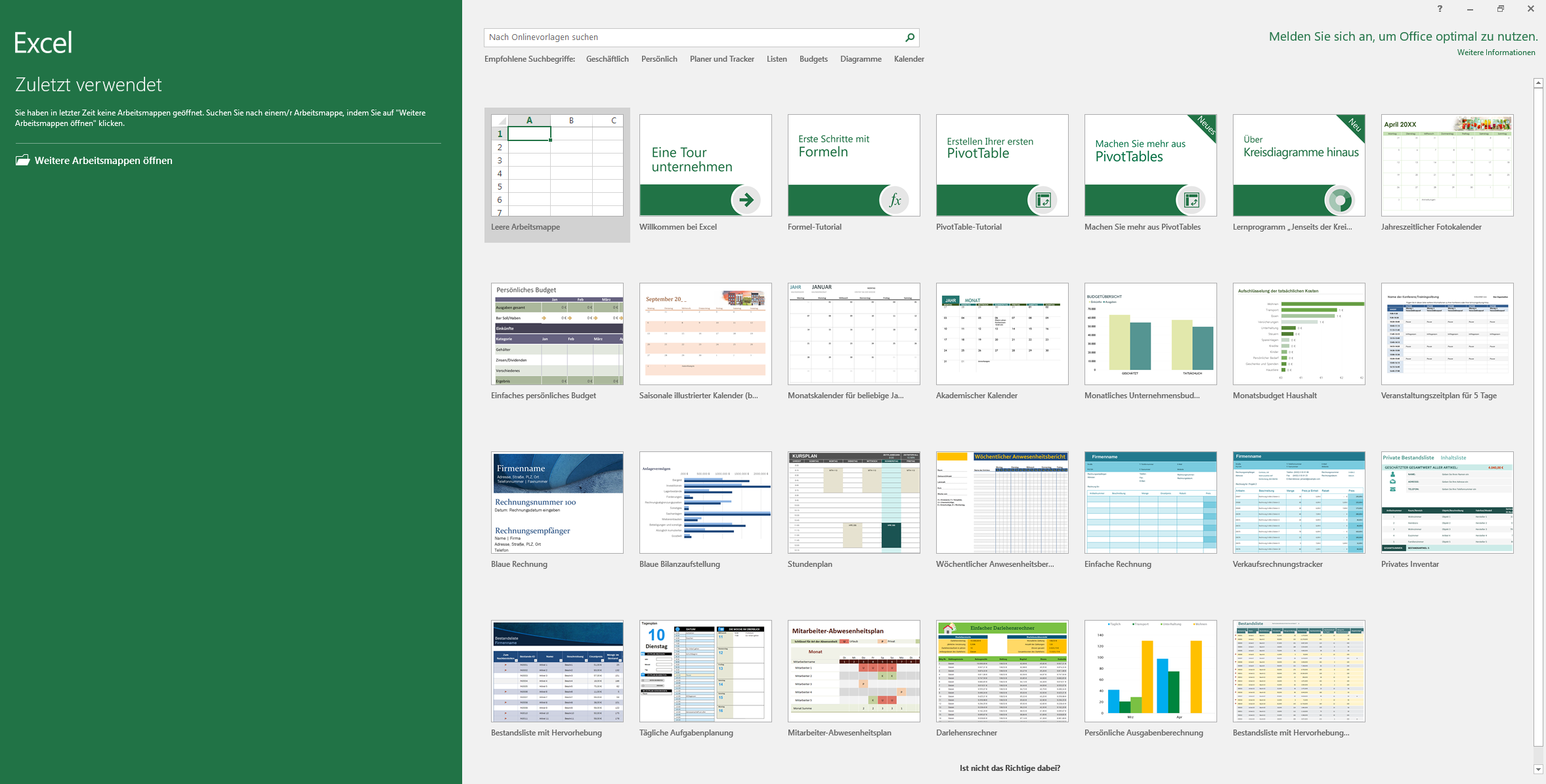
Relevant: We offer you the appropriate setup file for the key! Due to the variety of versions available, we strongly recommend that you perform a new installation with the file we provide to avoid possible difficulties in the future. If you are unsure. This Office program offers countless templates to help you create documents.


